Patchwork#
my tasks were spread across nextcloud, github issues, jira and a deck board i forgot existed. so i stitched them into one app. it’s called patchwork because naming things is hard and this one was right there.
runs on android and ios. the web and macos apps are in progress rn, so expect rough edges if you poke at them. built with expo, plus a small fastapi proxy so the web version can talk to caldav without cors throwing a tantrum.
get it#
- f-droid: add
https://tashif.codes/fdroid/repo?fingerprint=568557c435bdf555725de95de596a90d6fa964d4bf0b71874f254cd0be7e94c9in Settings → Repositories, refresh, install Patchwork. the fingerprint lets f-droid check the repo is really mine - apk: grab it from the tashifkhan/Patchwork
- ios: build it yourself, instructions below. apple wants $99 a year and i want to keep $99 a year
- web and macos: in progress, not shipped yet
screenshots#
android#
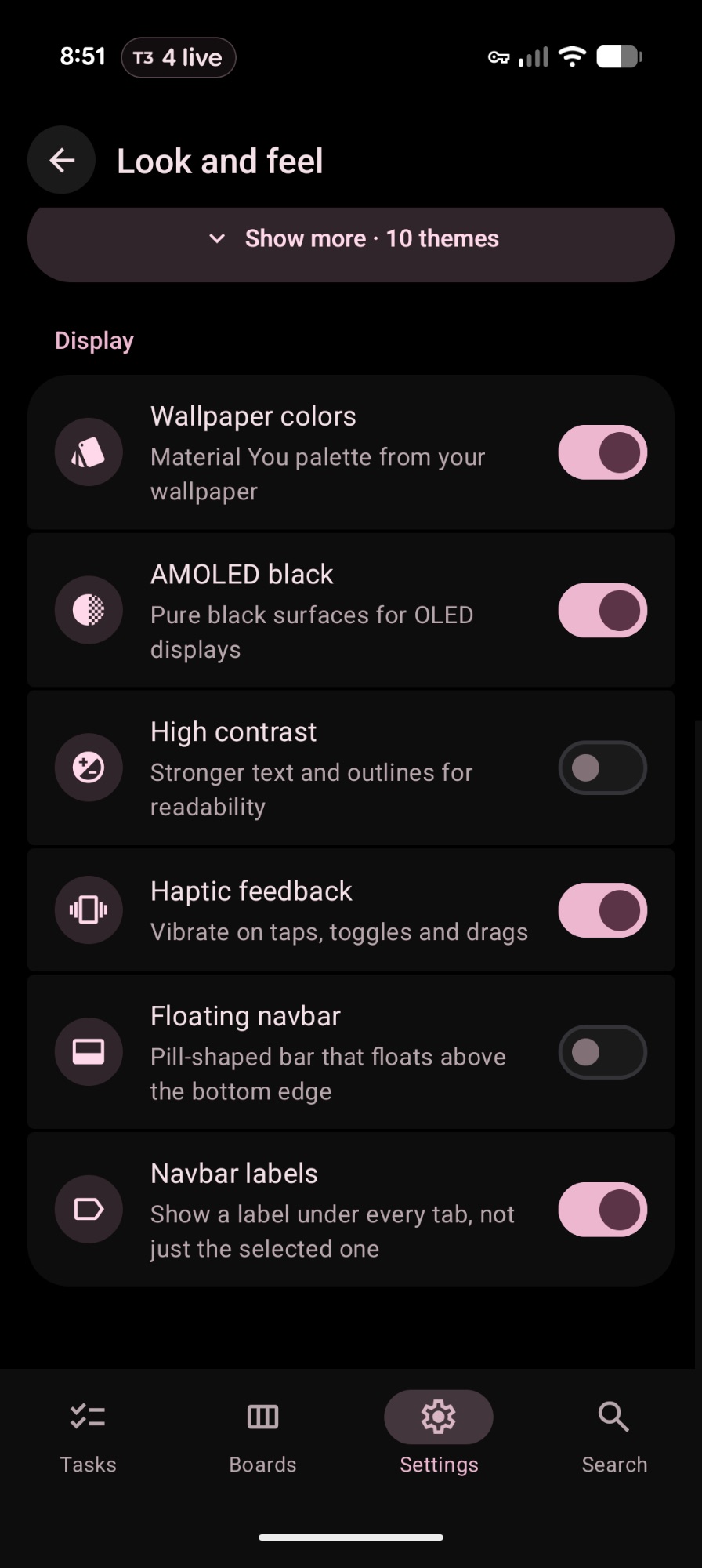
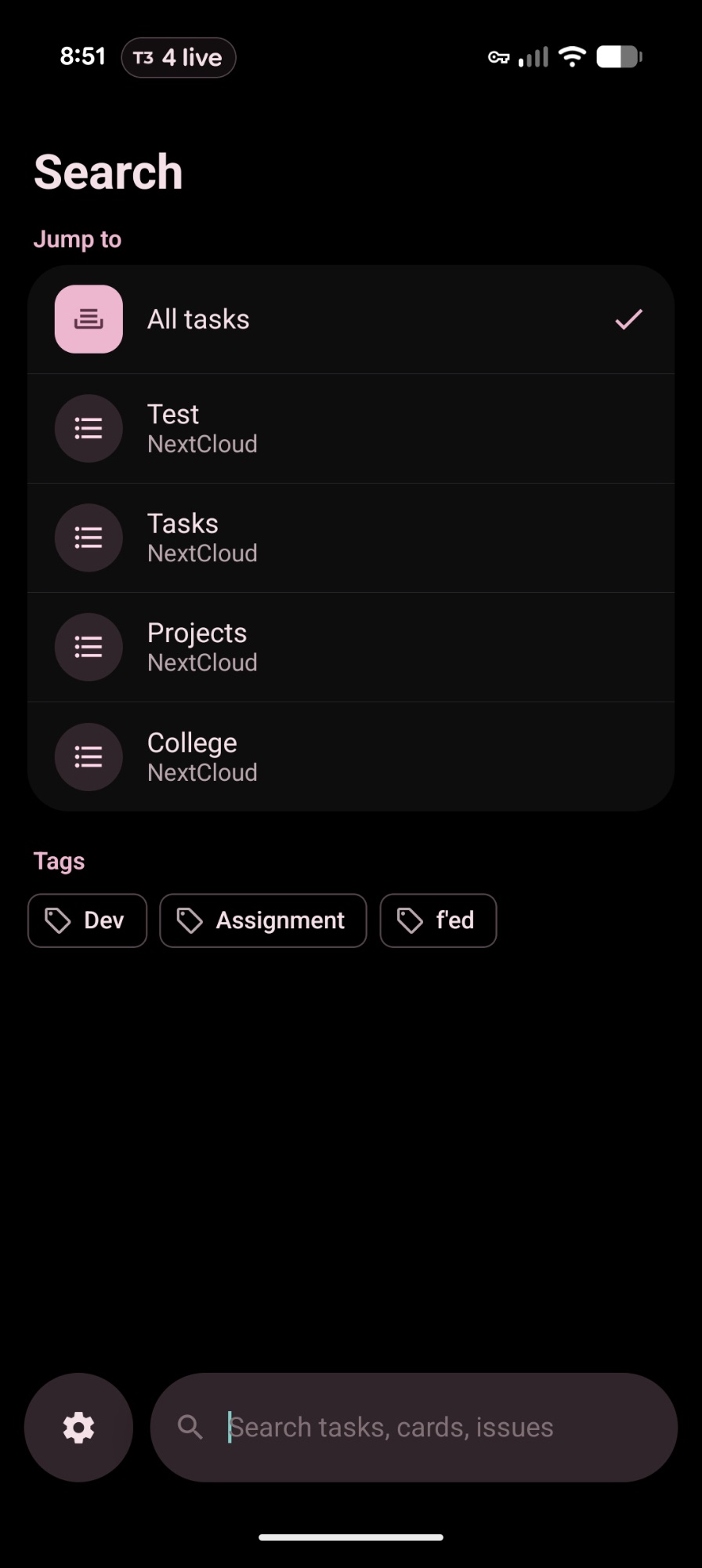
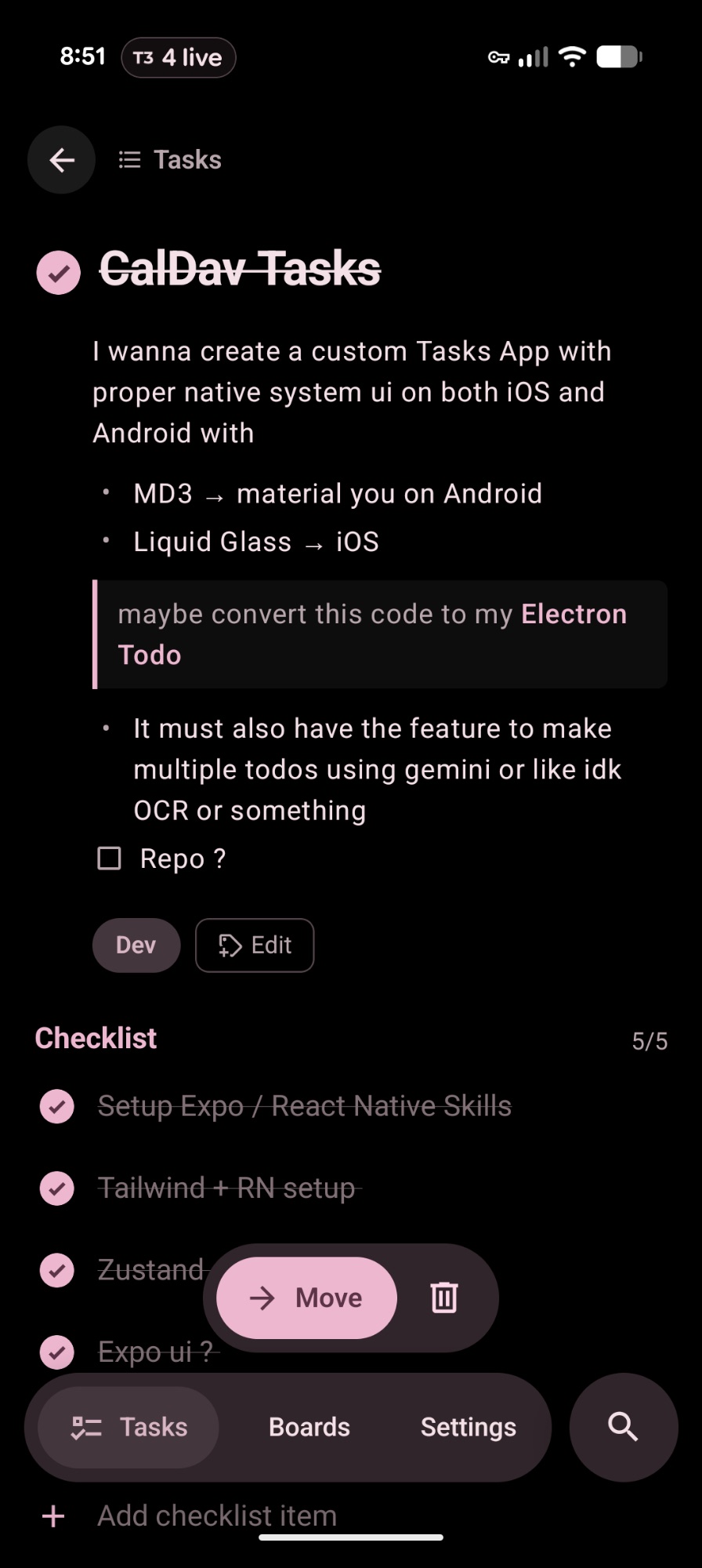
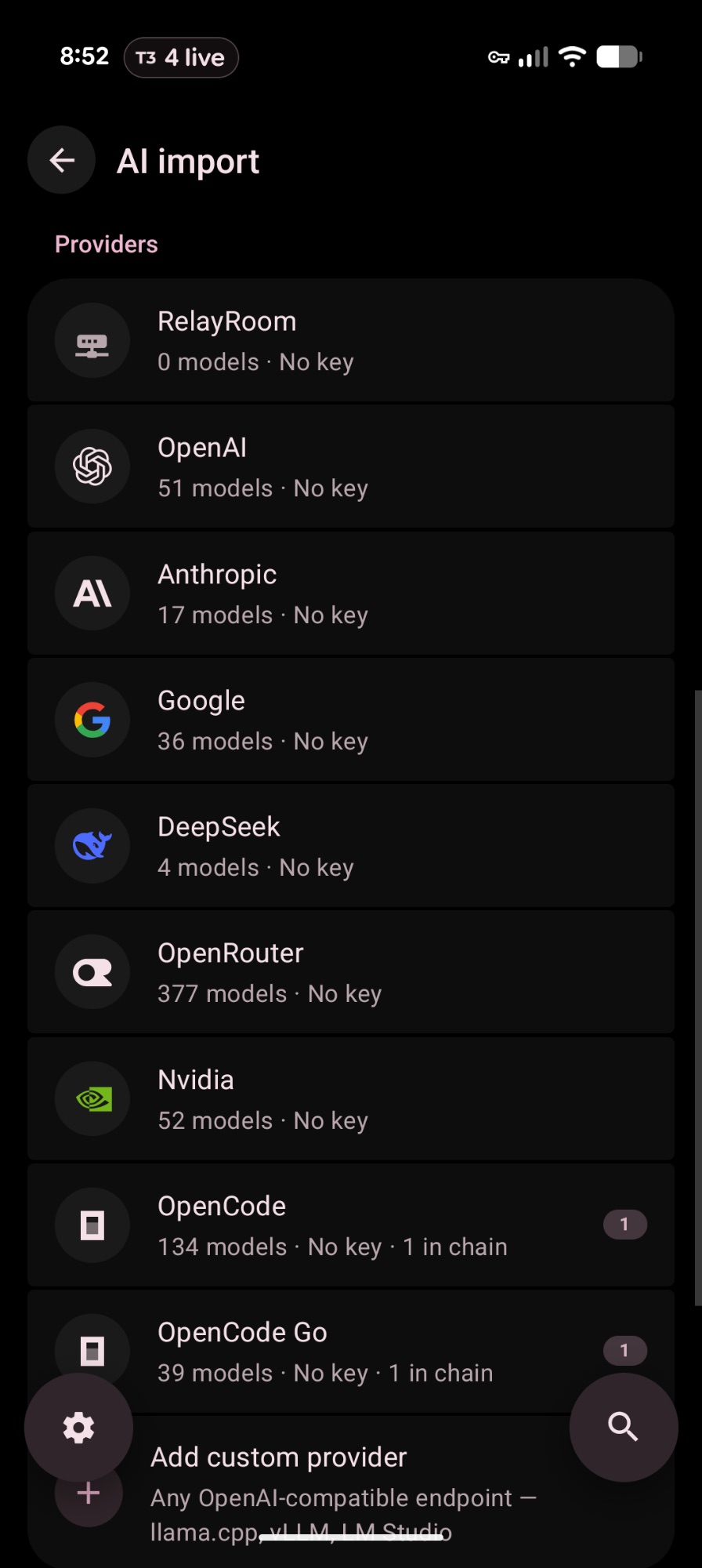
material you, so it wears whatever colours your wallpaper has.
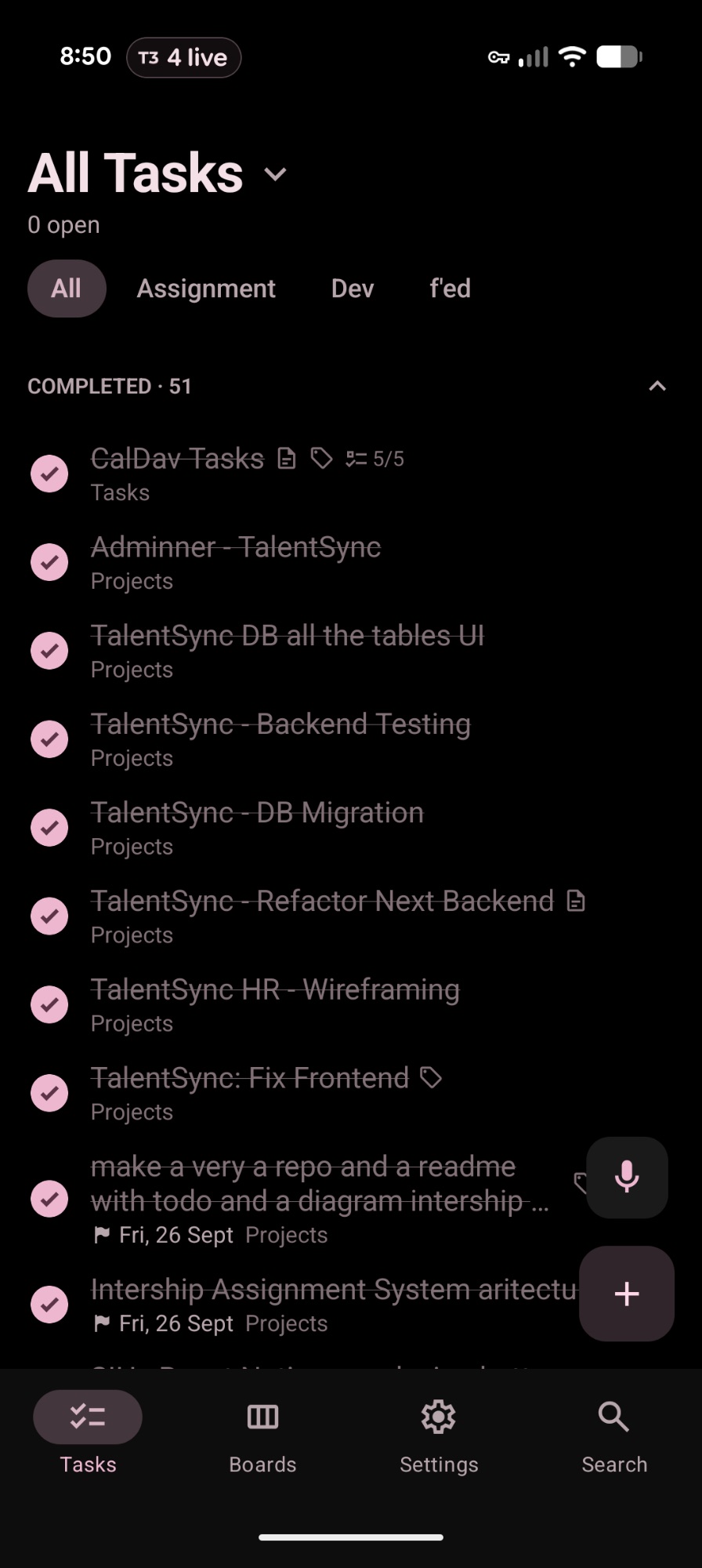
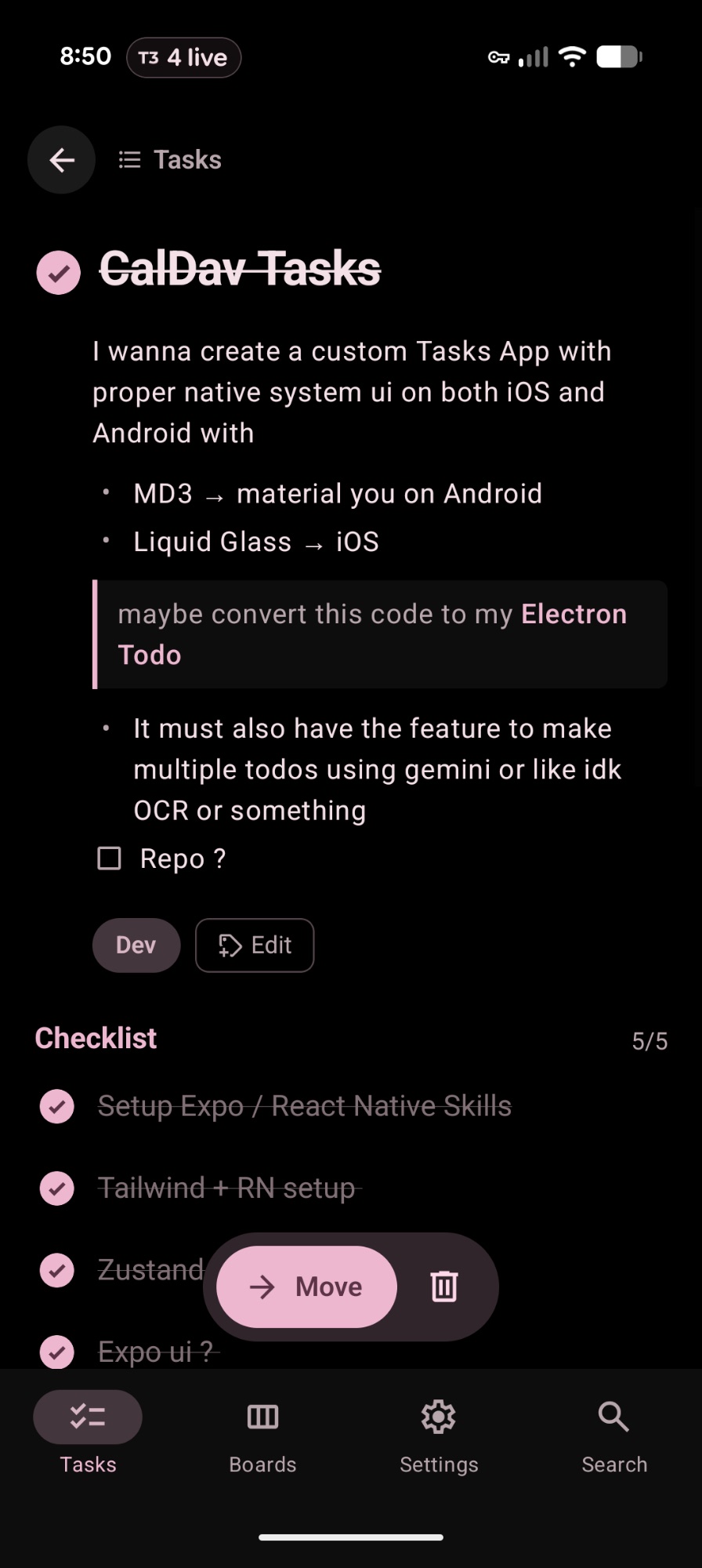
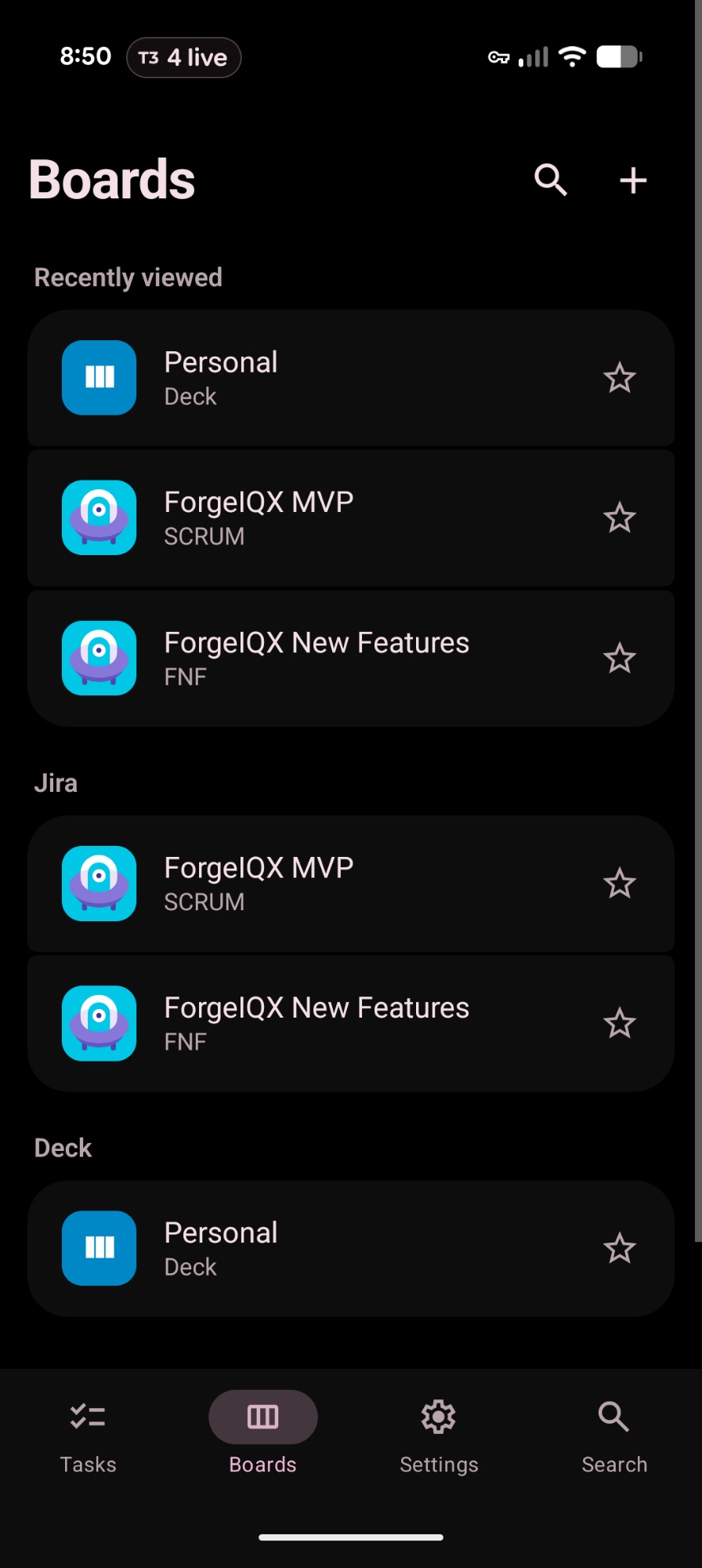
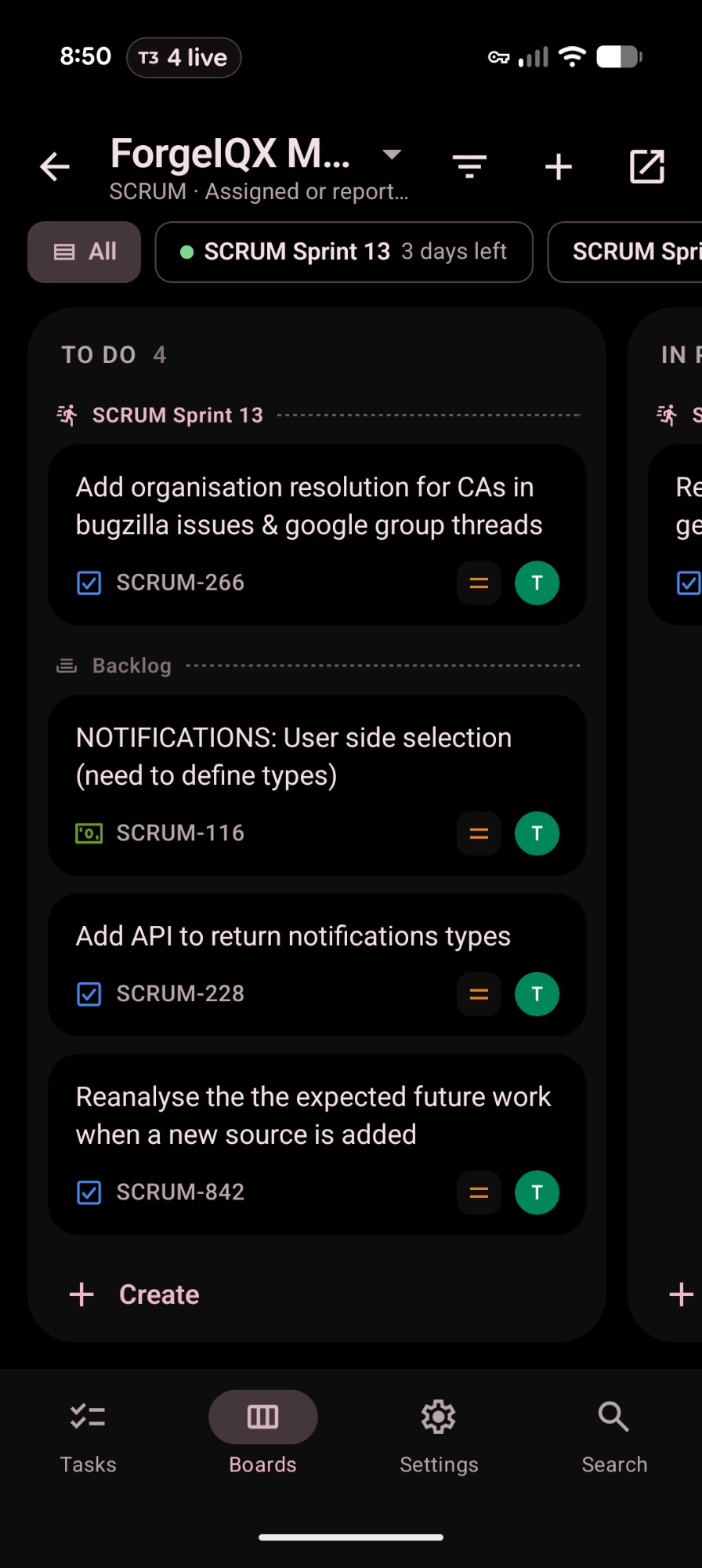
ios#
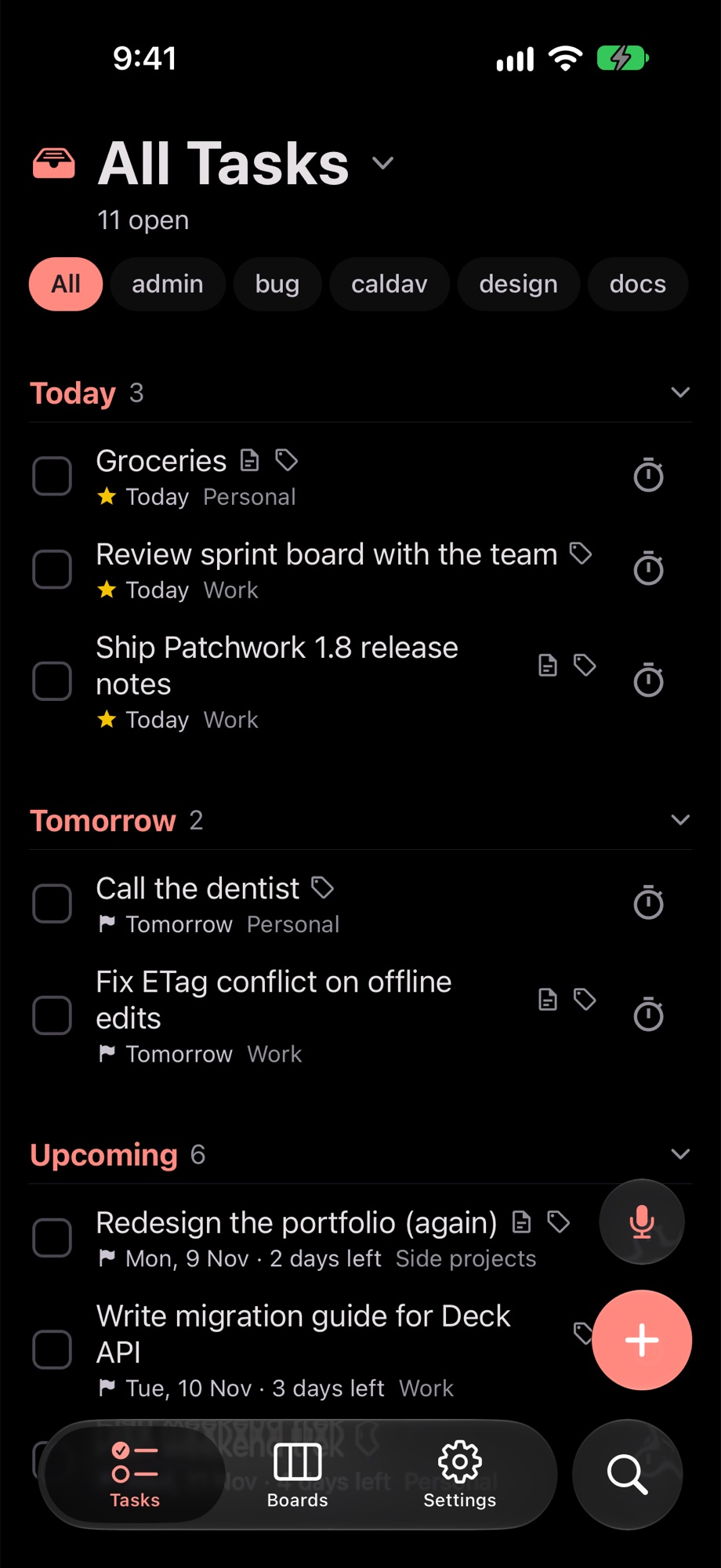
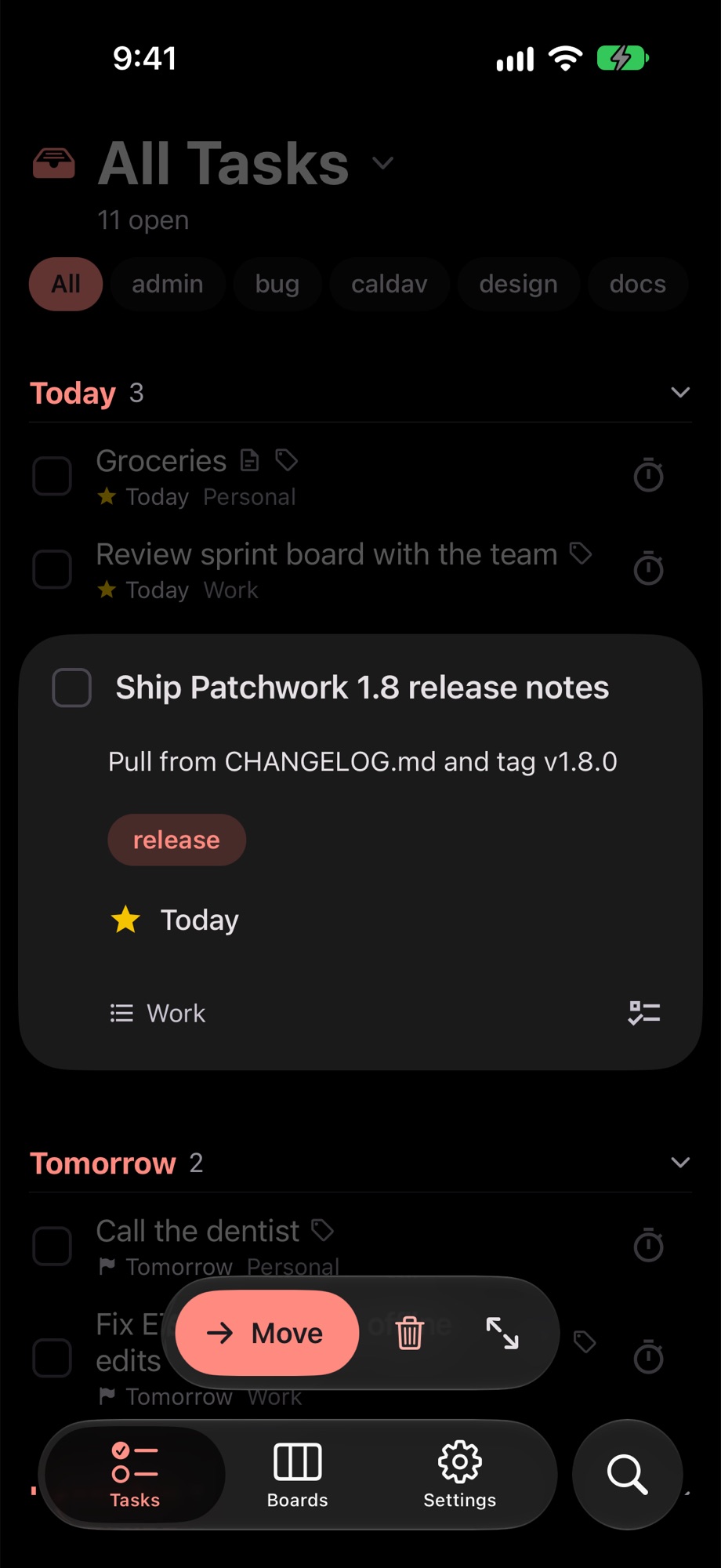
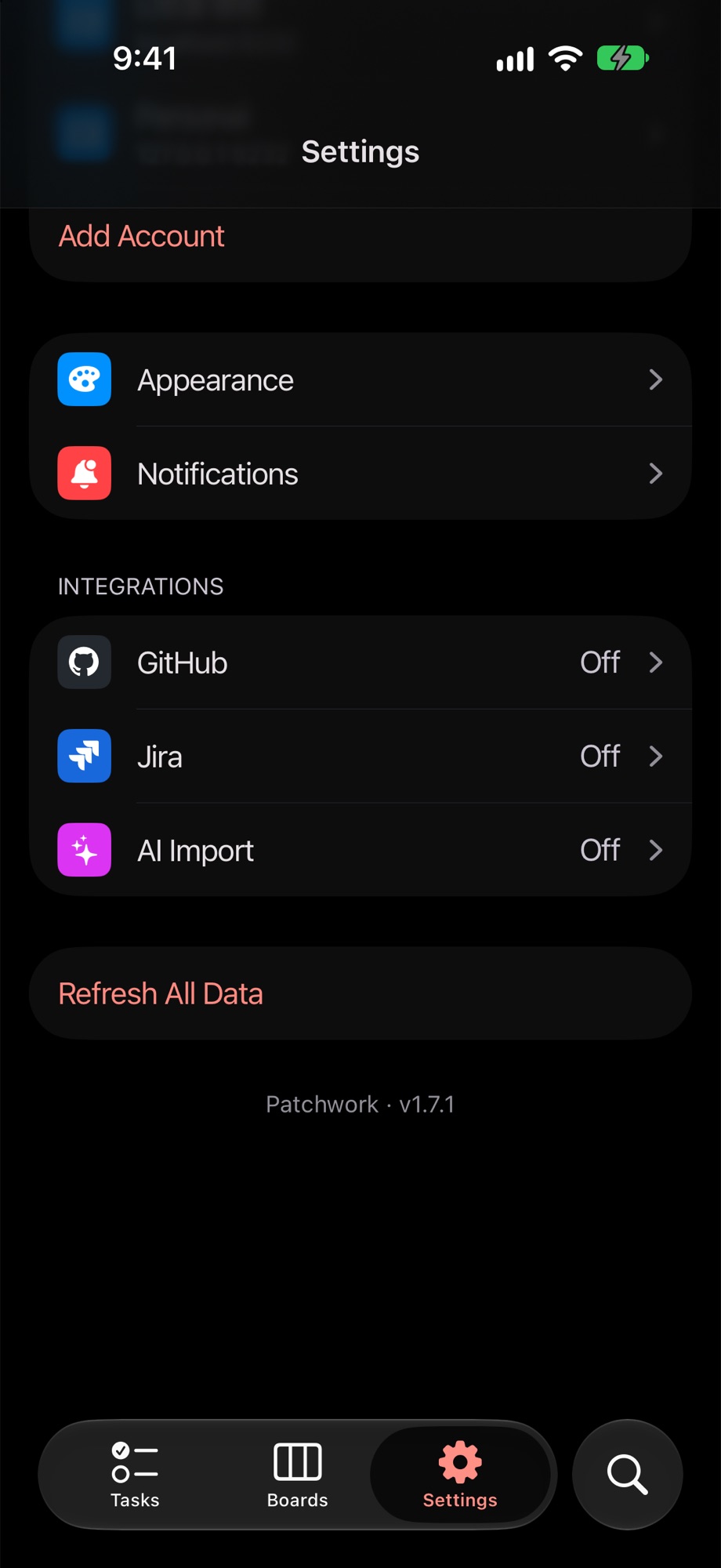
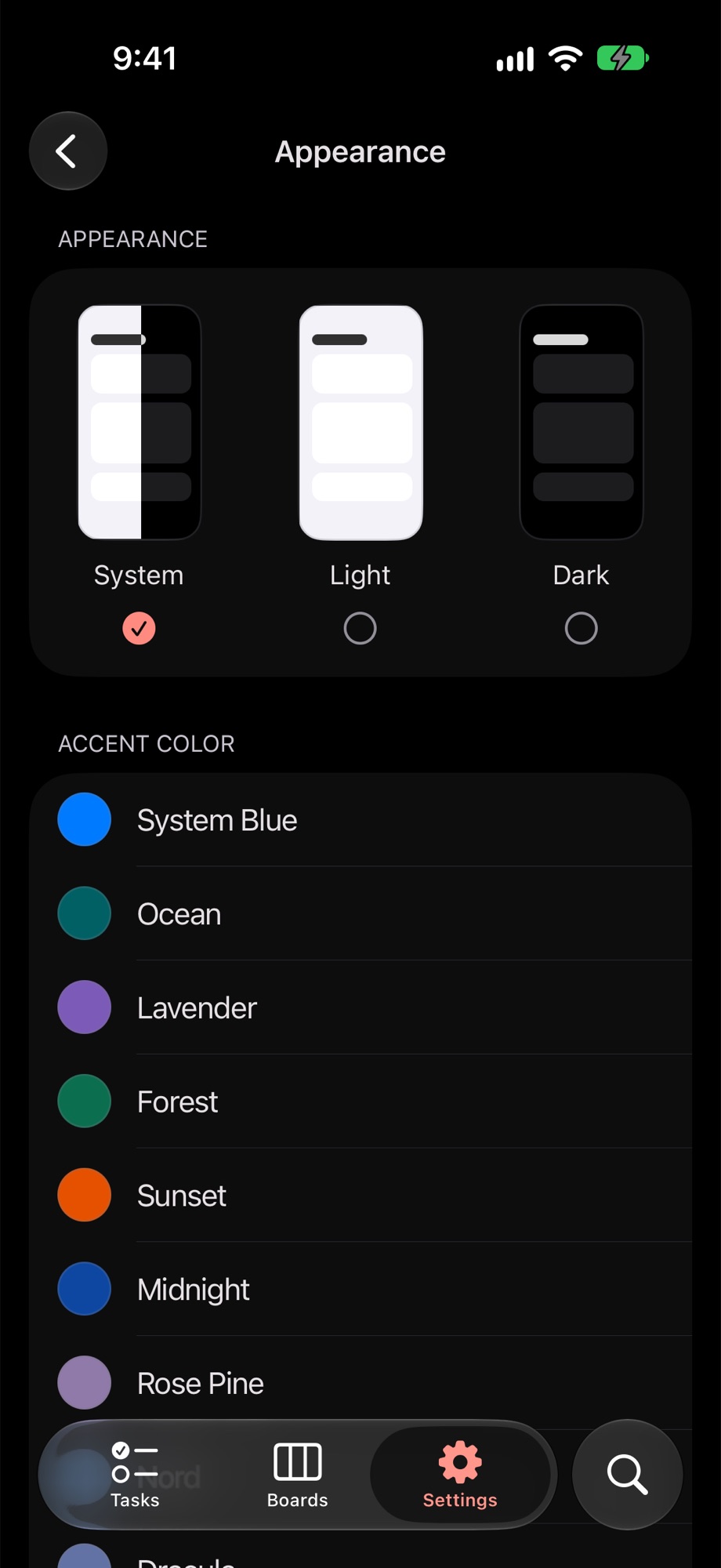
same app, ios clothes. the tasks here are demo data, my real list is too embarrassing.
what it stitches together#
- caldav tasks from nextcloud or any caldav server. subtasks, tags, priorities, due dates, markdown notes, reminders. edits use ETags so two devices don’t quietly overwrite each other
- nextcloud deck boards. drag cards around, reorder columns, create and edit everything from the app
- jira boards with sprints, a backlog, drag and drop that updates the rank, and a full issue editor. multiple logins, because one jira account was never going to be enough suffering
- github issues across repos. sign in with device flow or a token, create, close and reopen issues. multiple accounts here too
- slack reminders and lists. not yet. it’s on the list, which is ironic
features#
- ai import. take a photo of your handwritten notes, or describe what you need, and it drafts tasks. you review them before anything gets saved, because ai should not be touching your todo list unsupervised
- bring your own model: openai, anthropic, google, deepseek, openrouter, nvidia, opencode zen, relayroom, or any openai compatible endpoint
- voice dictation
- home screen widgets on android
- material you colours on android, a custom accent on ios, high contrast, and a pure black oled mode
- tablet and foldable layouts that actually use the extra space
- a things-inspired redesign in 1.4, because of course i redesigned it
on native, your credentials and api keys stay on the device in secure storage and the app talks to your servers directly. on web, requests go through the proxy so secrets never ship to the browser.
run it#
the app uses bun:
cd app
cp .env.example .env
bun install
bun start        # then w for web, a for android, i for ios
the proxy uses uv:
cd proxy
uv run uvicorn main:app --reload
the proxy reads its nextcloud, ai and cors settings from env vars. the full list is in proxy/app/core/config.py.
building the ios app#
no app store, no testflight. you need a mac with xcode and bun installed.
in the simulator (no apple account needed):
cd app
bun install
bun ios
bun ios runs expo run:ios. it generates the ios/ project (it’s gitignored), builds it and opens the simulator.
on your actual iphone:
plug in the phone and turn on developer mode (Settings → Privacy & Security → Developer Mode)
change
iosBundleIdinapp/app.config.jsto something you own, likecom.yourname.patchwork. the default one is tied to my team, so signing will fail without thisbuild a release version onto the phone:
cd app
bun install
bunx expo run:ios --device --configuration Release
if xcode complains about signing, open
app/ios/*.xcworkspace, pick your team under Signing & Capabilities for both the app and theExpoWidgetsTargettarget, and run the command again
a free apple id works, but the app stops opening after 7 days and you have to build it again. a paid developer account lasts a year and also gets you bun run eas:build:prod:ios for cloud builds.
where stuff lives#
app/          the expo app (android, ios, web)
proxy/        fastapi proxy for the web client and the ai endpoints
.github/      release and f-droid workflows
screenshots/  the pictures above
roadmap#
- slack integration
- linear integration
- ai that tells me why i have 40 overdue tasks (i already know why)
- actually finish the tasks in this app