Add the repo once.
F-Droid checks the signing fingerprint, then keeps every app below updated.
https://tashif.codes/fdroid/repo?fingerprint=568557c435bdf555725de95de596a90d6fa964d4bf0b71874f254cd0be7e94c9 -
Open F-Droid
Go to Settings, then Repositories, and tap the plus button.
-
Add this repo
Paste the address, or scan it. F-Droid reads the fingerprint from it.
-
Refresh
F-Droid downloads the signed index and checks it against the fingerprint.
-
Install
The apps below appear in search. Updates arrive like any other F-Droid app.
Three apps in the repo.
Each one links to its project page, with the full story and every release.
-
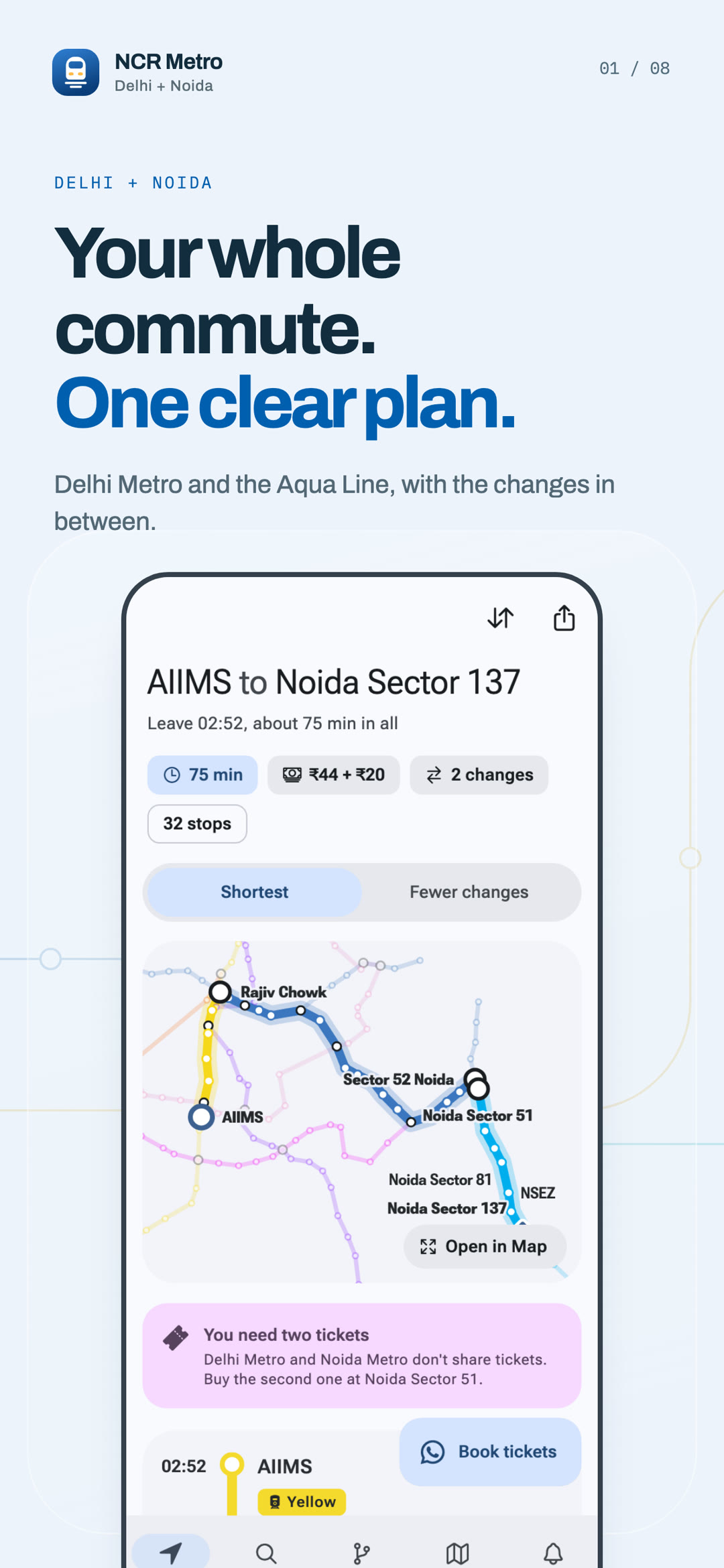
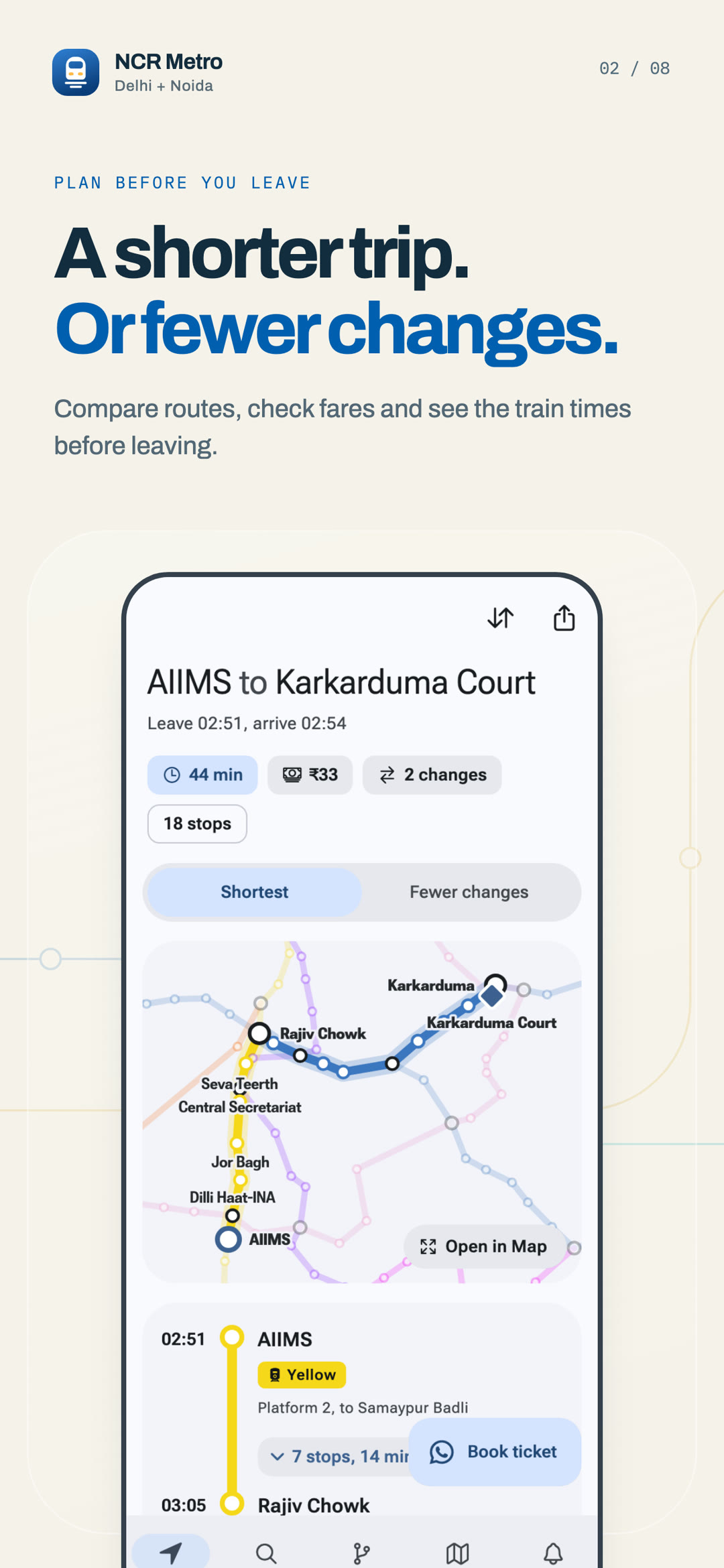
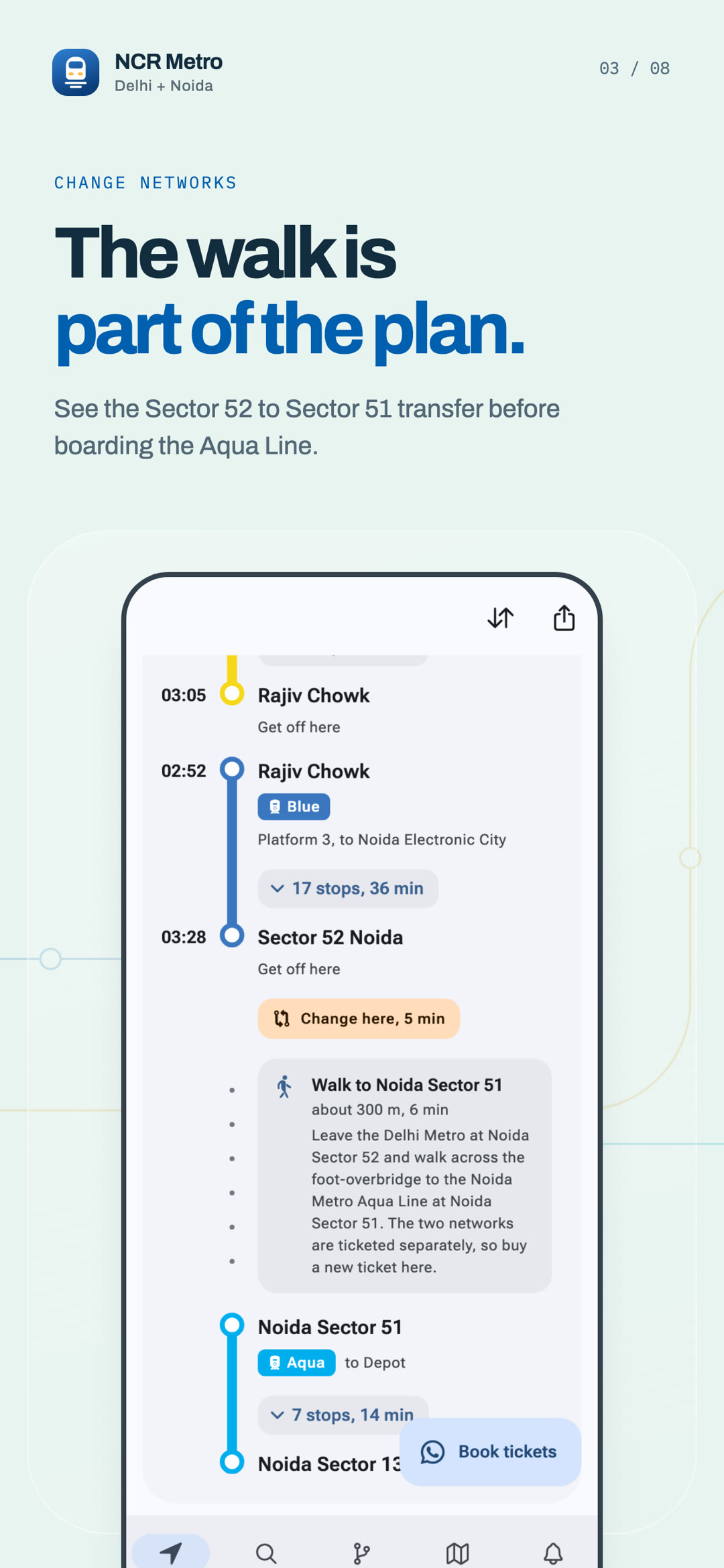
Plan Delhi Metro and Noida Metro trips with fares, maps and alerts
- Version
- 1.8.1
- Size
- 93.3 MB
- Requires
- Android 7.0
- Licence
- MIT
-
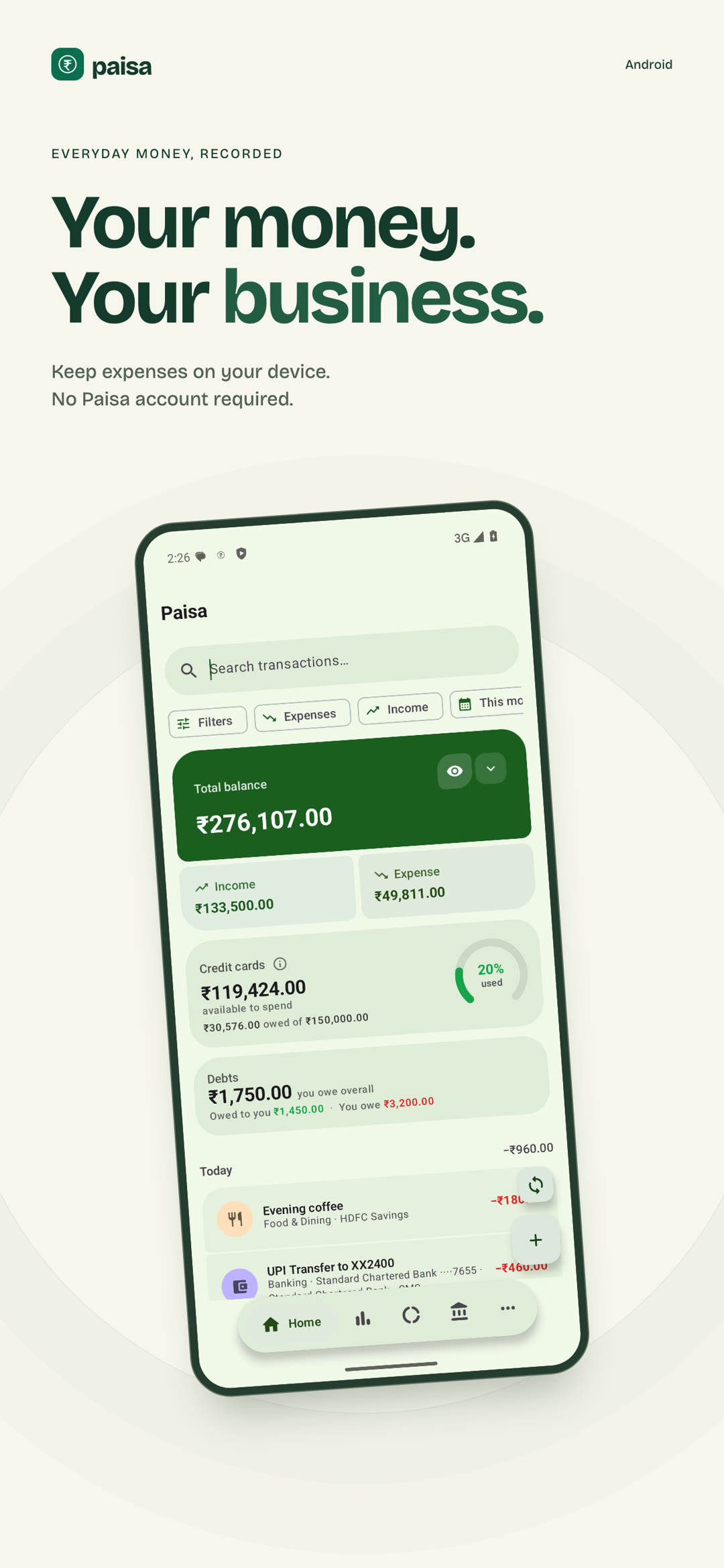
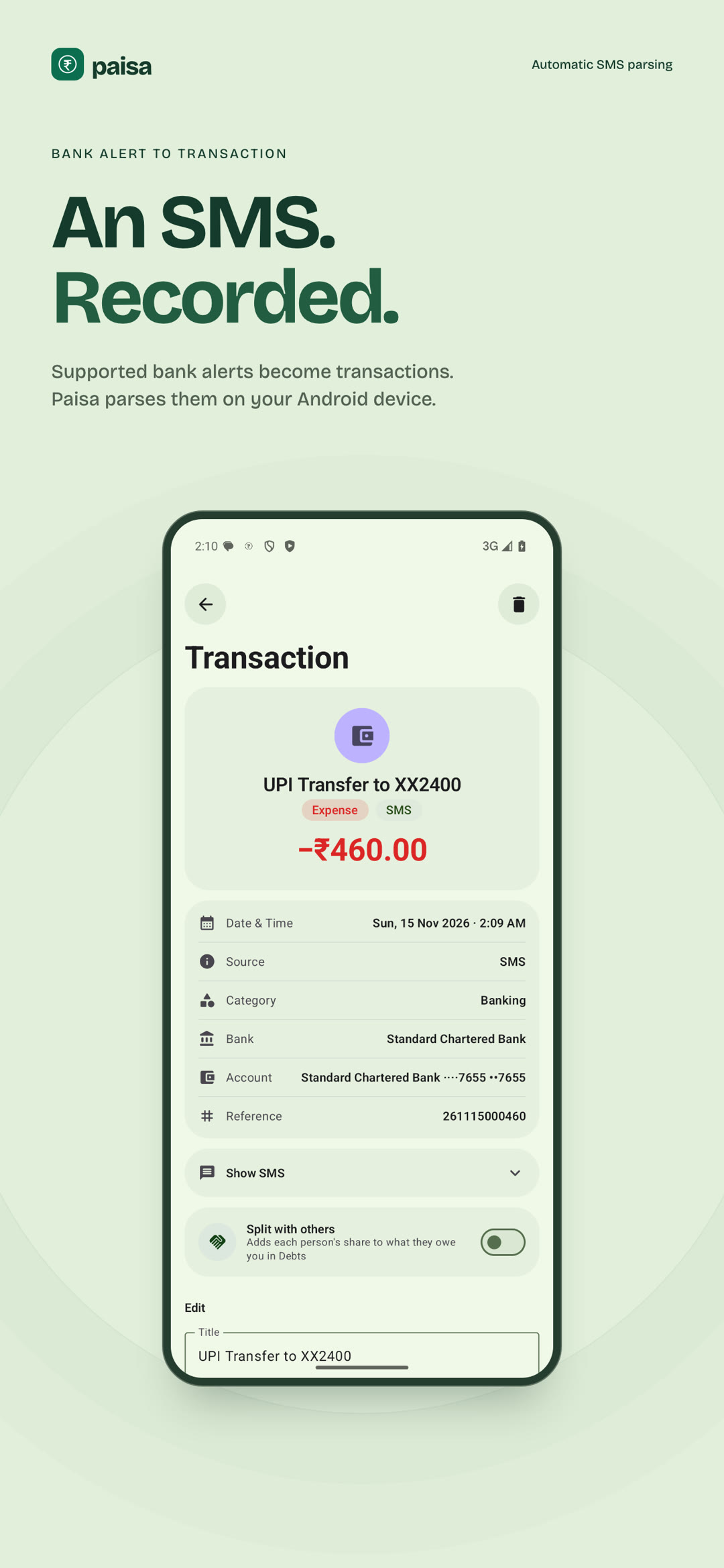
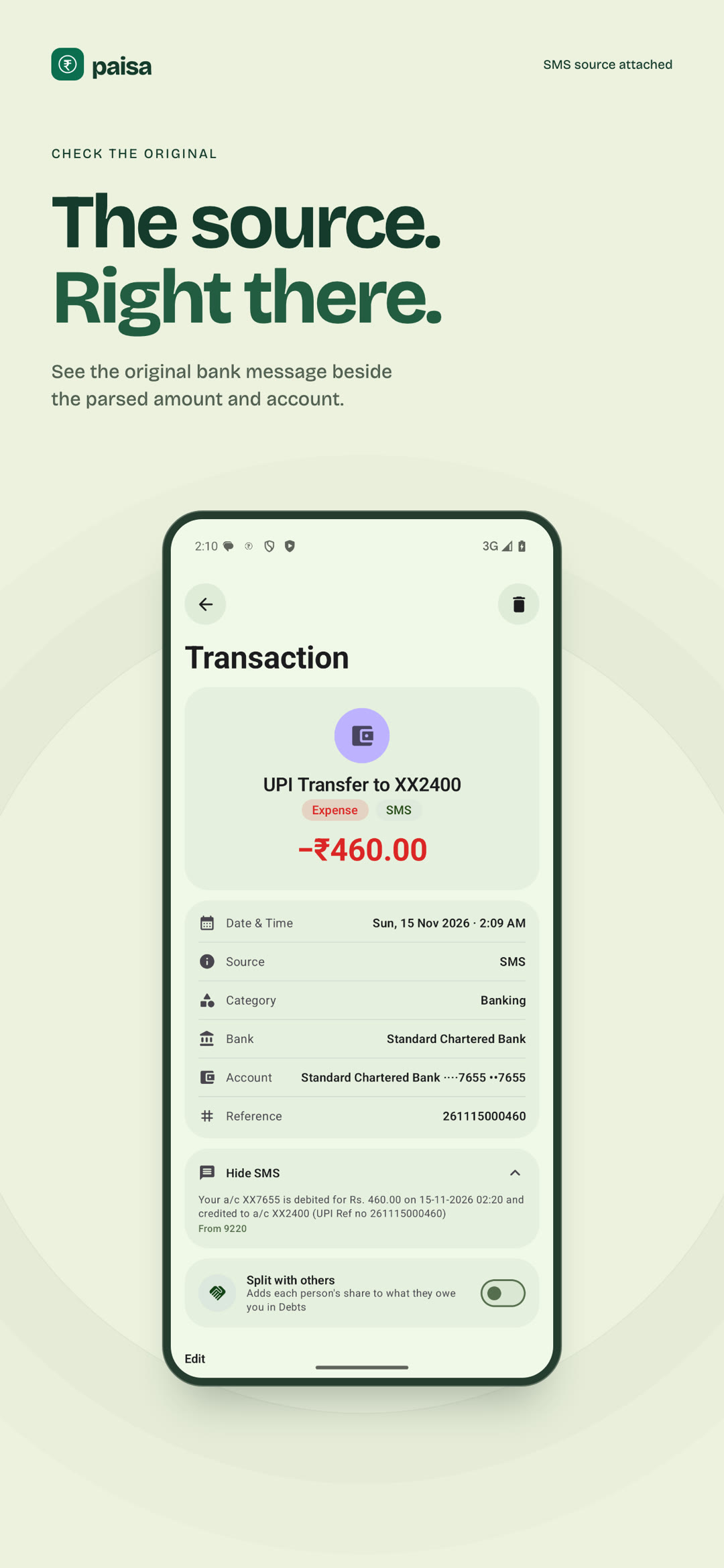
Expense manager that reads bank SMS on your phone and keeps the ledger there
- Version
- 1.7.3
- Size
- 28.4 MB
- Requires
- Android 7.0
- Licence
- AGPL-3.0-or-later
-
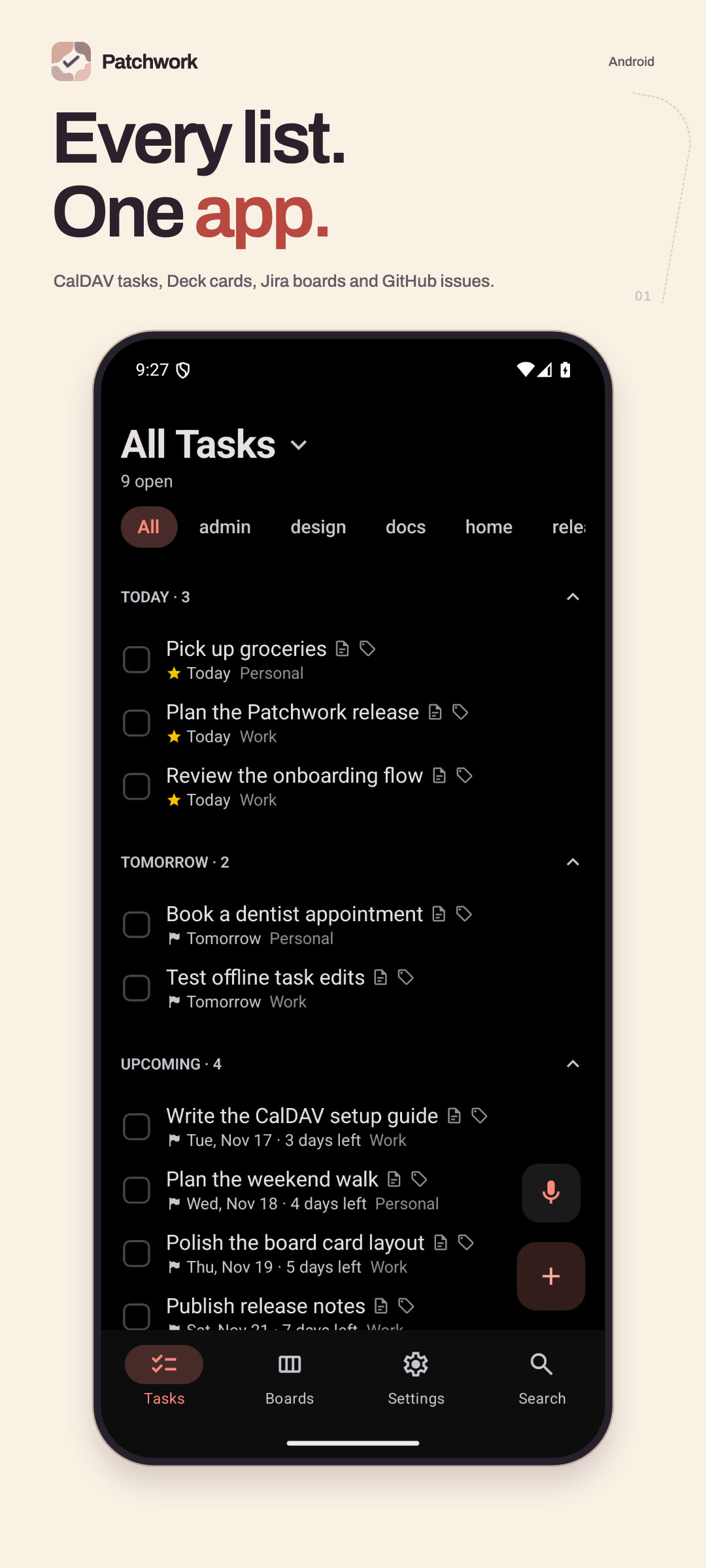
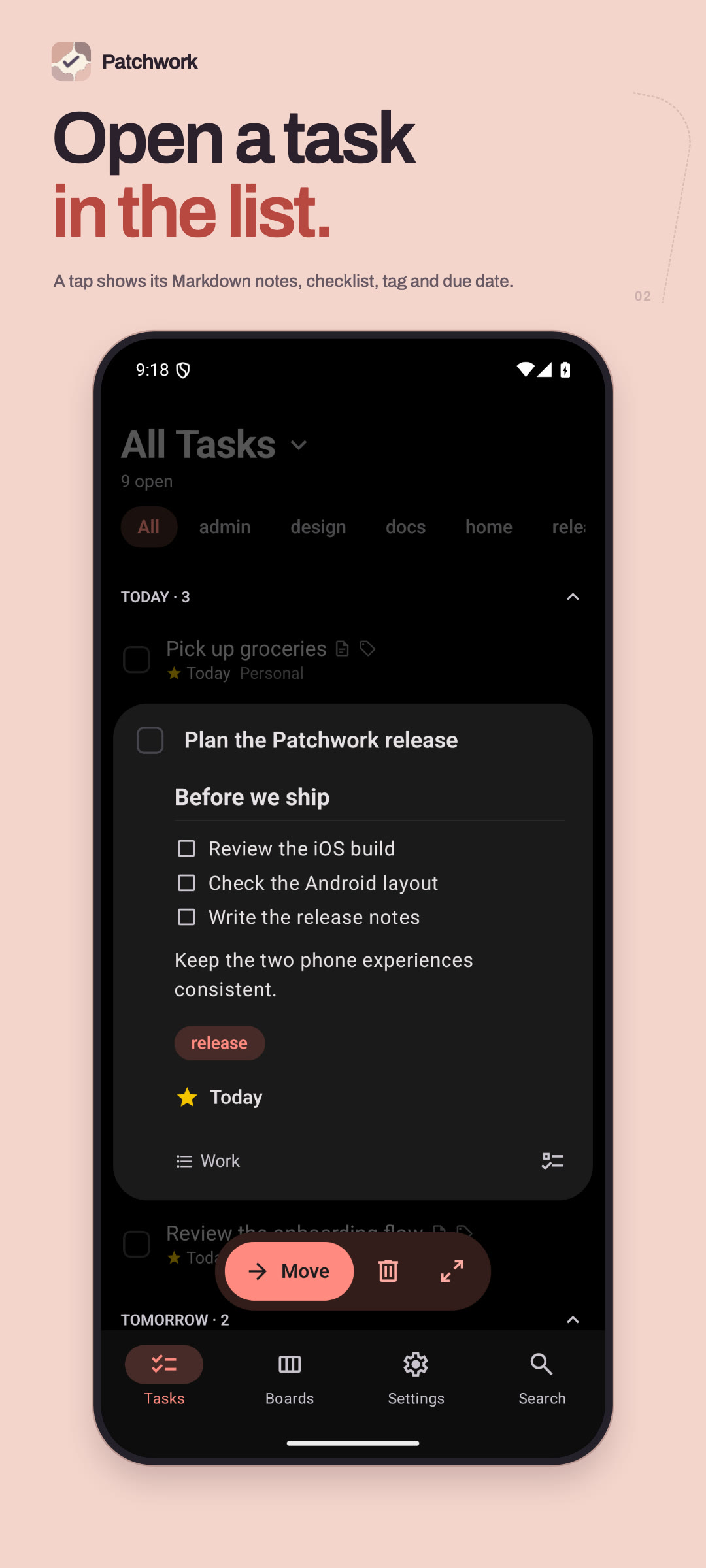
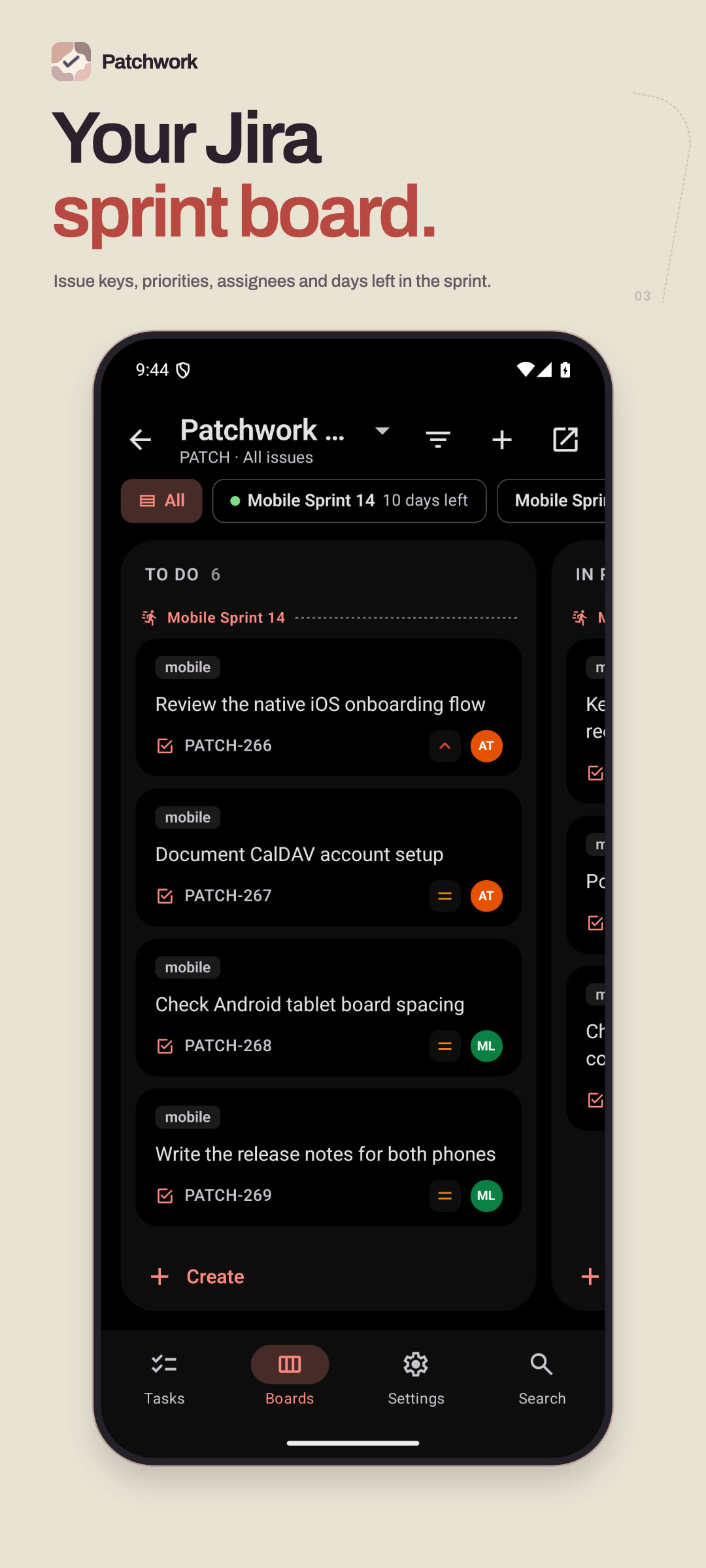
One task app for CalDAV, Nextcloud Deck, Jira and GitHub Issues
- Version
- 1.8.3
- Size
- 41.5 MB
- Requires
- Android 7.0
- Licence
- MIT



How an update reaches you.
-
Release
Each app's own repo builds a signed APK and attaches it to a GitHub release.
-
Import
That release starts a workflow here, which downloads the APK and writes its “What's new” from the release notes.
-
Sign
fdroidserver rebuilds the index and signs it with the repo key. The last three versions stay in the repo.
-
Serve
The index and APKs are static files on this site, so there is no server to trust beyond the signature.