interactive menu
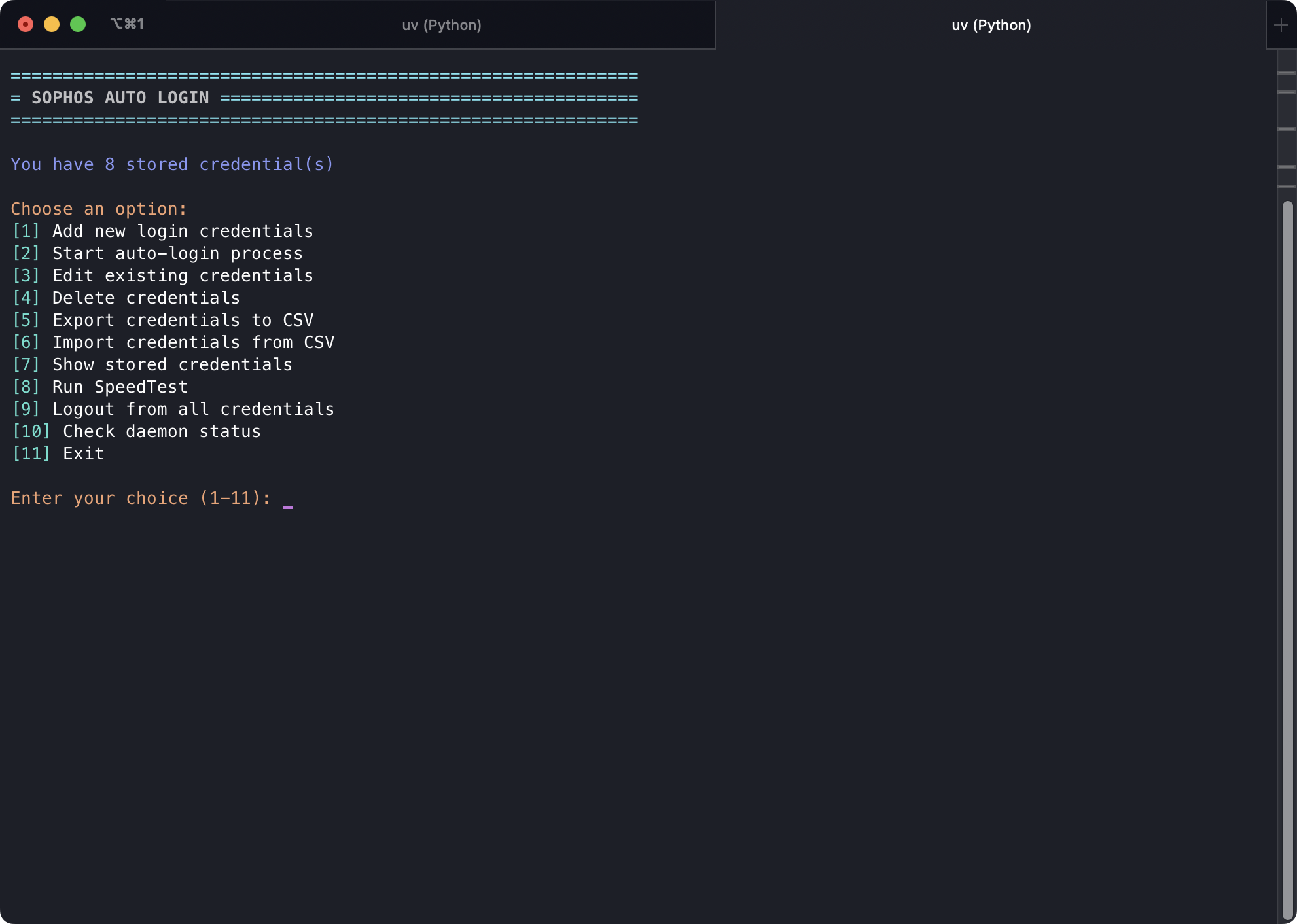
No arguments, main() drops into a loop. print_menu_rich() draws a Rich table and Prompt.ask takes 1 to 11.
python autologin.py
The header shows how many credentials are stored. Zero rows gets a warning to add some before you start.
Options#
These labels match menu_items in autologin.py.
| Key | Action |
|---|---|
| 1 | Add new login credentials |
| 2 | Start auto-login process |
| 3 | Edit existing credentials |
| 4 | Delete credentials |
| 5 | Export credentials to CSV |
| 6 | Import credentials from CSV |
| 7 | Show stored credentials |
| 8 | Run SpeedTest |
| 9 | Logout from all credentials |
| 10 | Check daemon status |
| 11 | Exit |
Option 5 asks for a path and defaults to empty, which hits the same default as --export (CSV next to the DB). Option 6 asks for a path and errors if the file is missing. Options 7, 8, 9, and 10 wait for Enter before redrawing the menu.
Option 11 logs out the active credential only, same as --exit without the daemon kill. Ctrl+C from the menu uses signal_handler, which also logs out the active ID.
Invalid input prints Invalid choice. Please try again. and redraws.
When to use the menu vs flags#
The menu is the same CredentialManger and module.* calls as the flags. Use flags in a systemd unit, a LaunchAgent, or a one-liner. Use the menu when you are sitting at a terminal and do not want to remember -del vs -d.