

Your money stays on your phone.
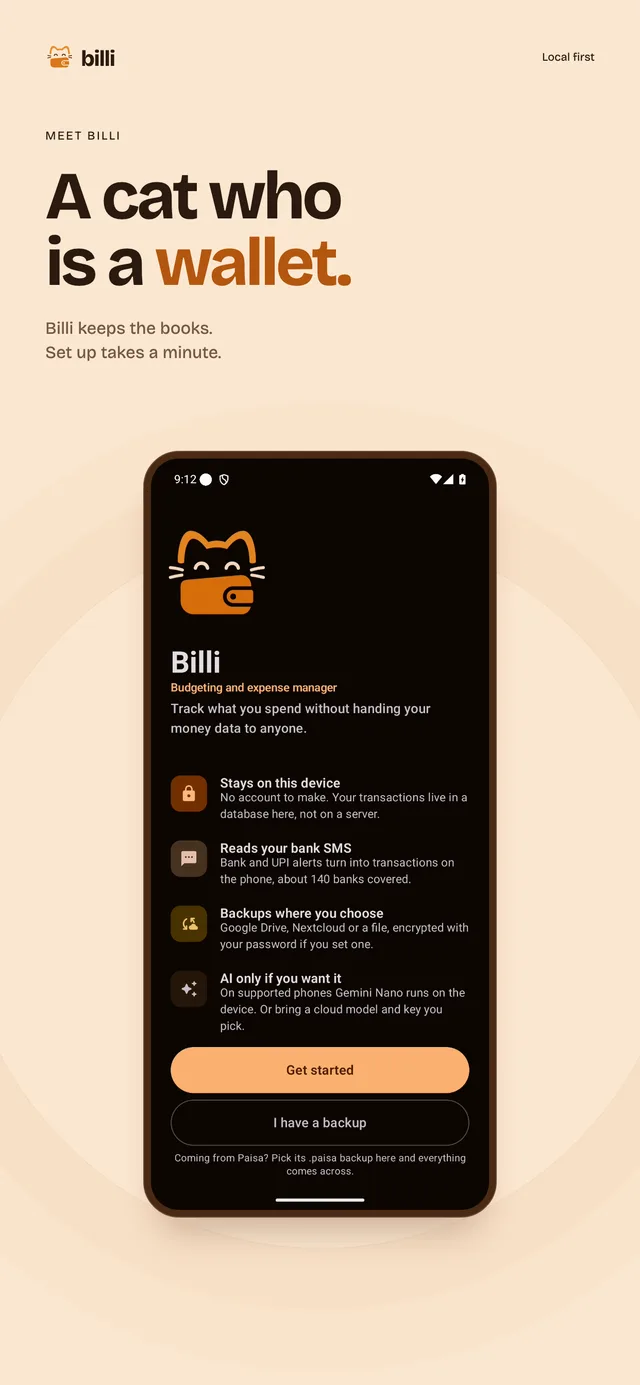
Billi is a budgeting and expense manager. It turns bank SMS into transactions on your phone. There's no account to set up.
33.3 MB, for Android 7.0 and up. Free under AGPL-3.0. Formerly Paisa. Release notes
What you can do in Billi
-
Capture
- Bank SMS import
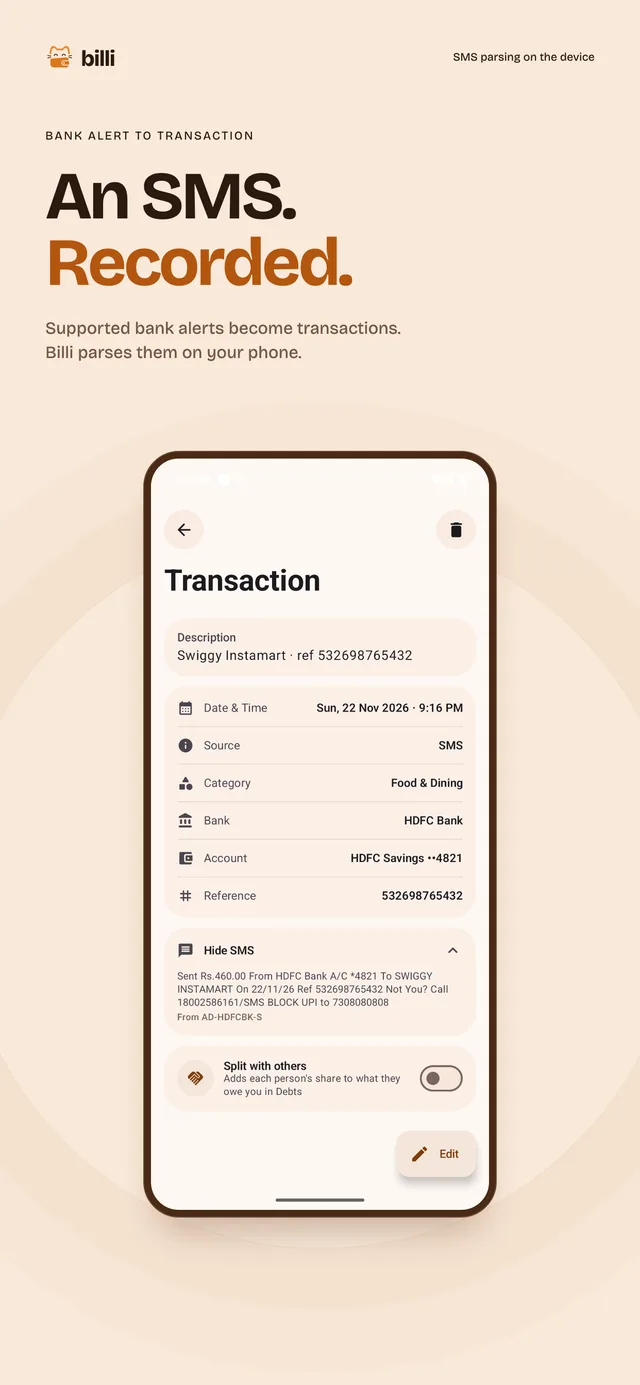
- Parsers for about 140 Indian banks turn an alert into a transaction on the phone. A bulk scan reads the inbox once, and a live receiver catches new alerts.
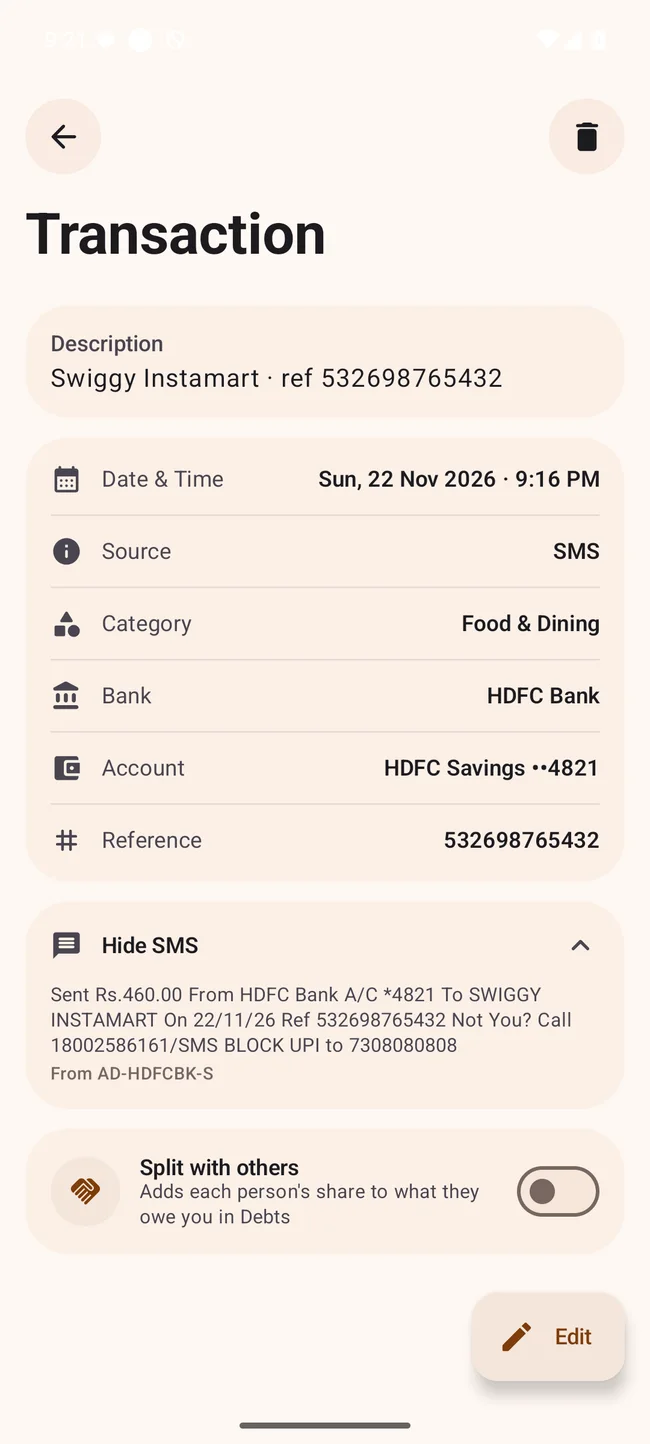
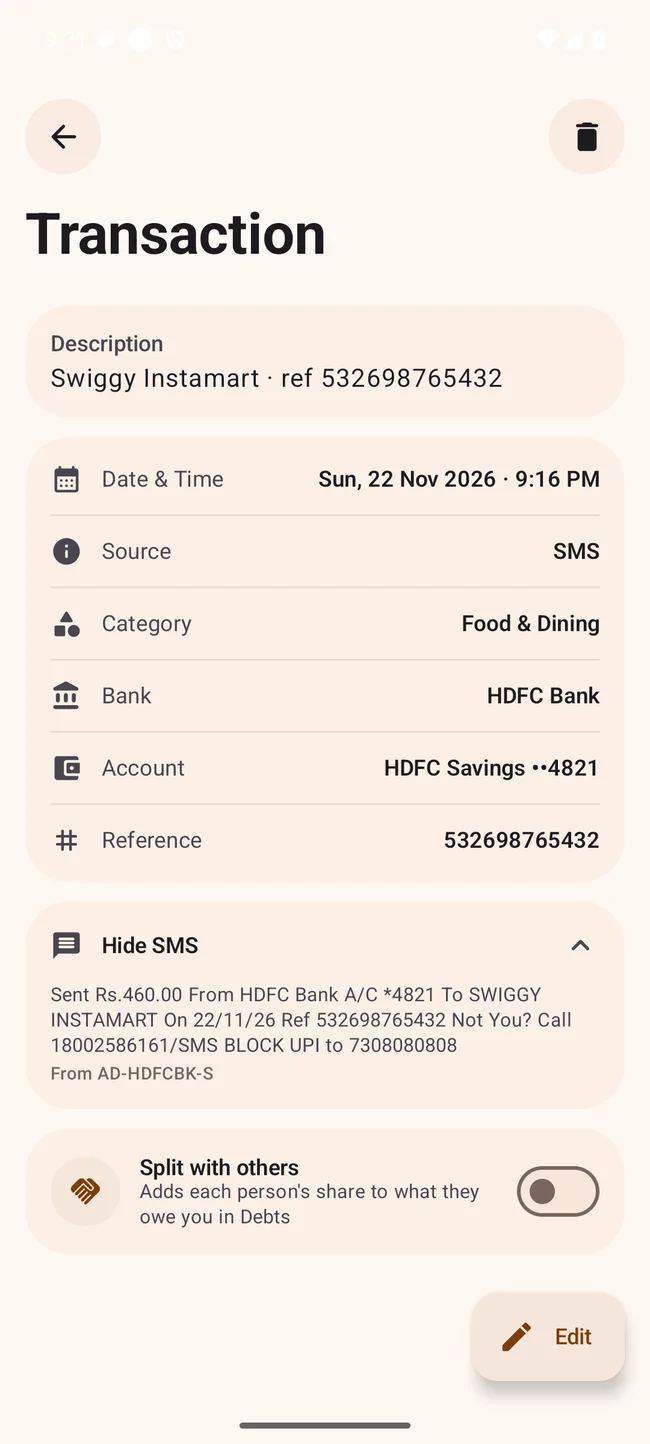
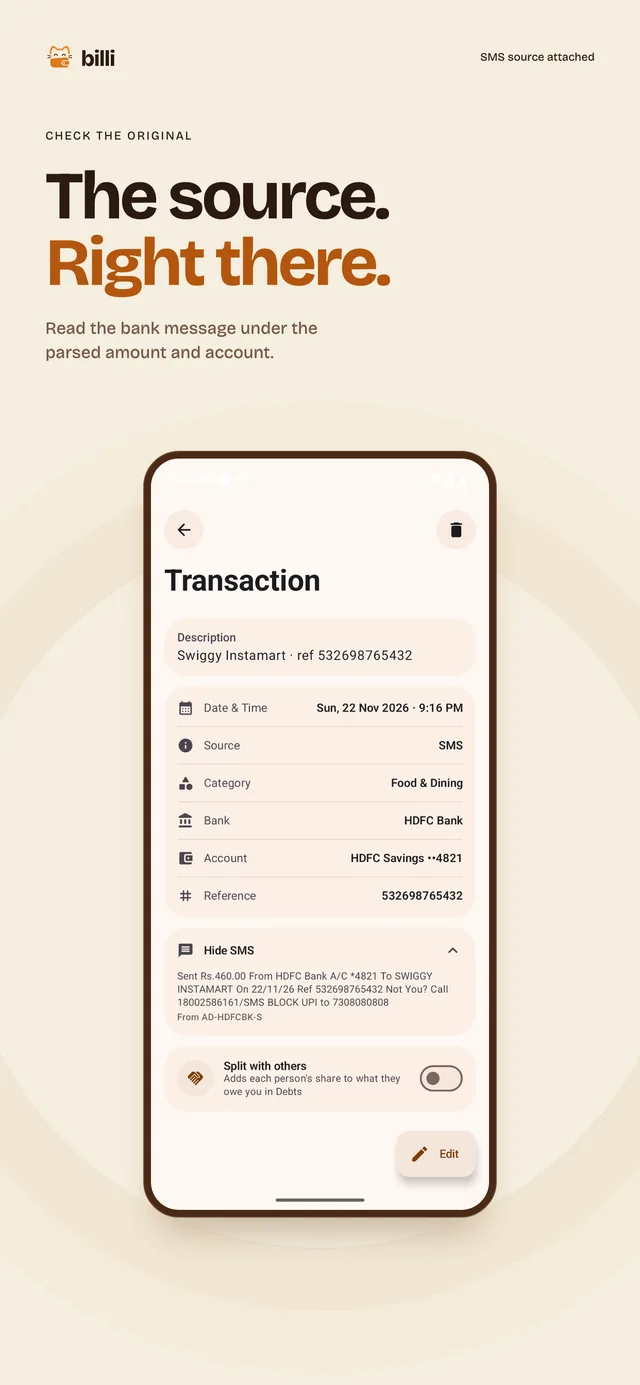
- The source stays attached
- Open any imported transaction to read the original message under it.
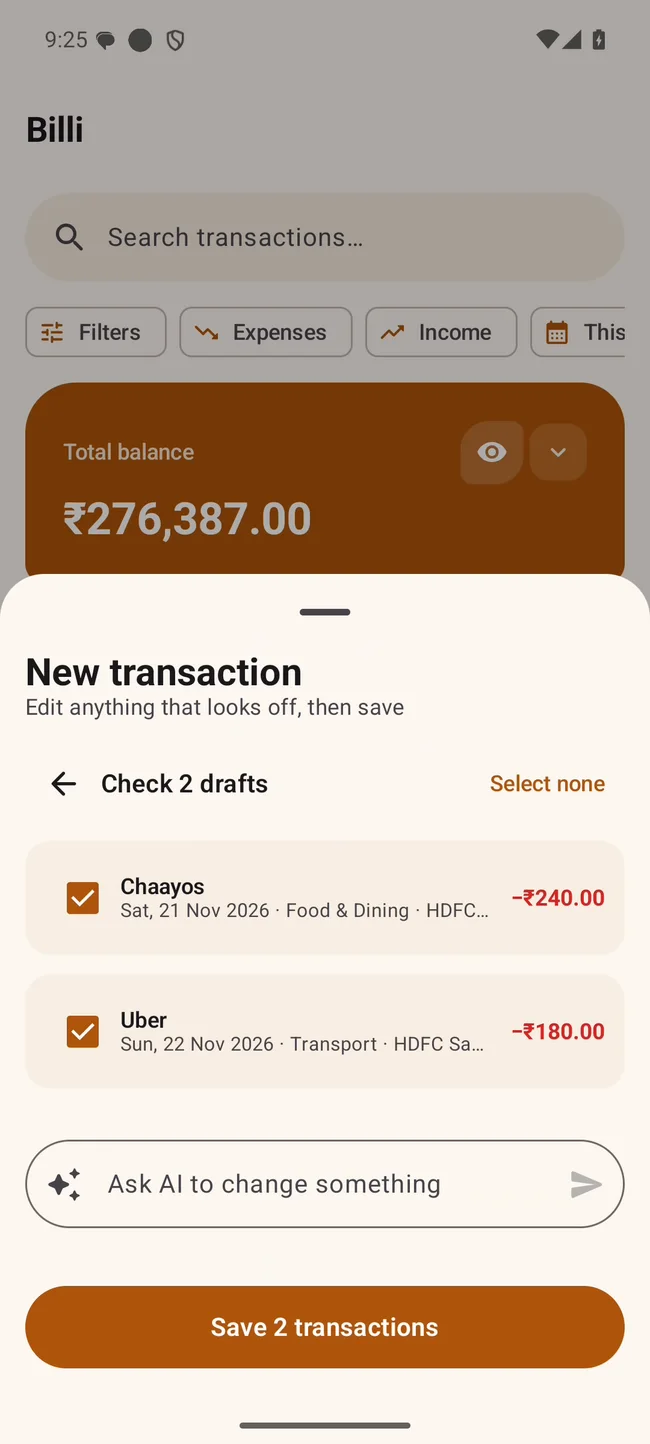
- Add with AI
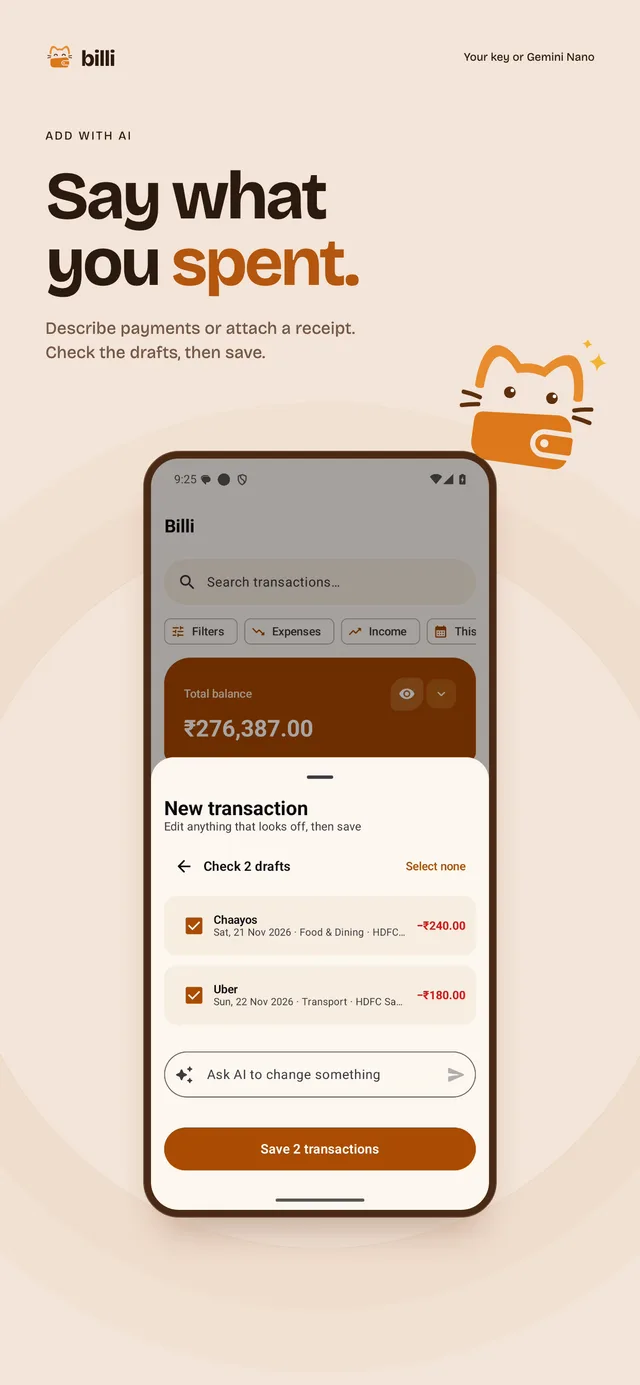
- Type "lunch 240 at Chaayos yesterday, Uber 180 today" or attach a receipt. Review and edit the drafts before you save. Use Gemini Nano on supported phones or add your own API key.
- Manual entry
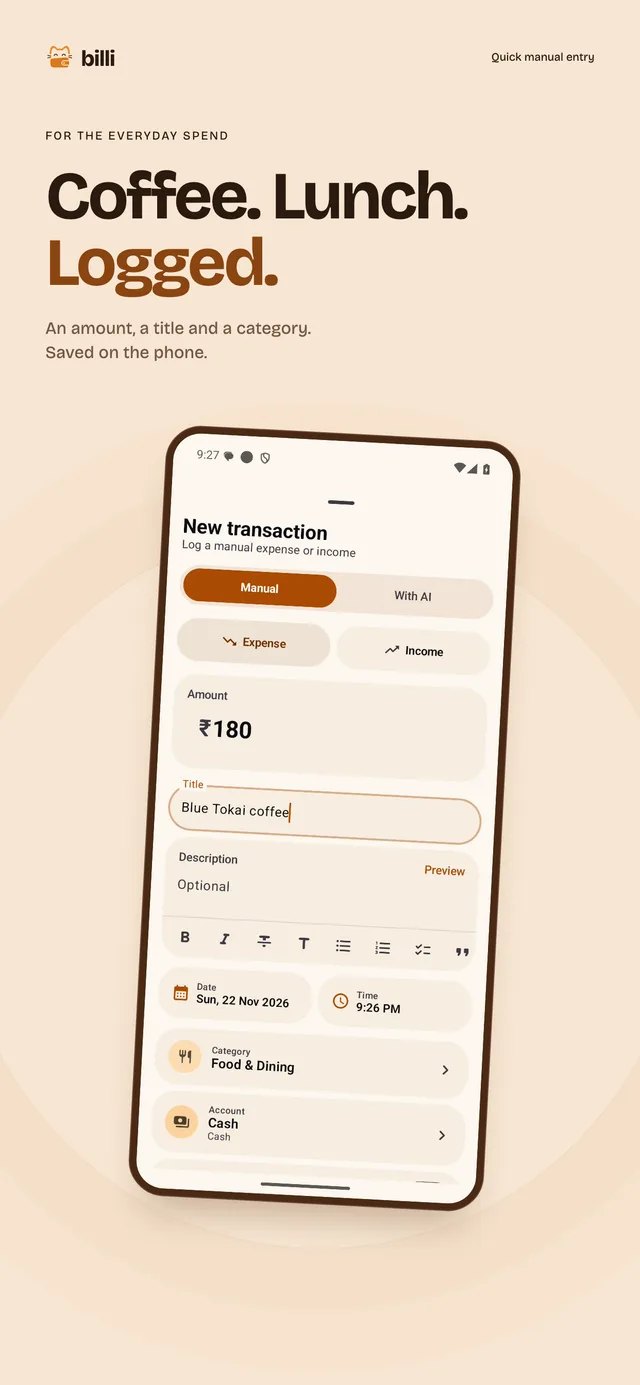
- A cash expense takes an amount, a title and a category.
-
Review
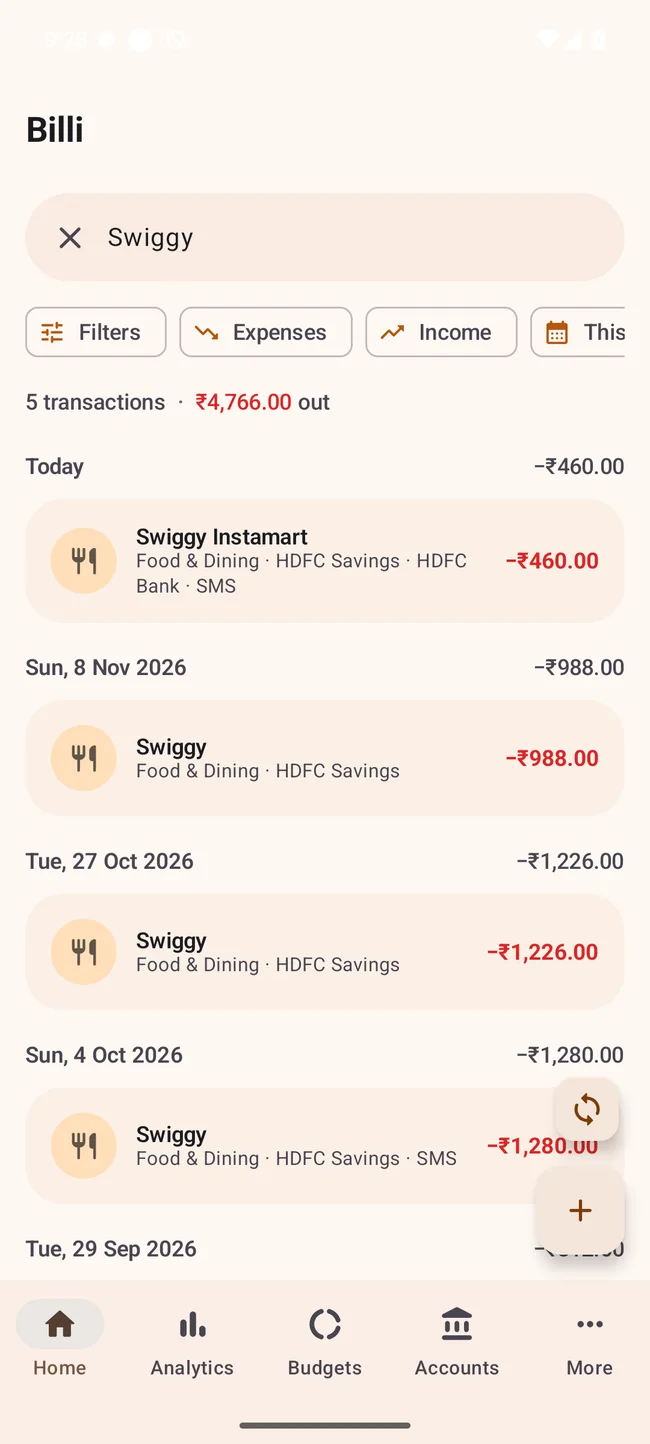
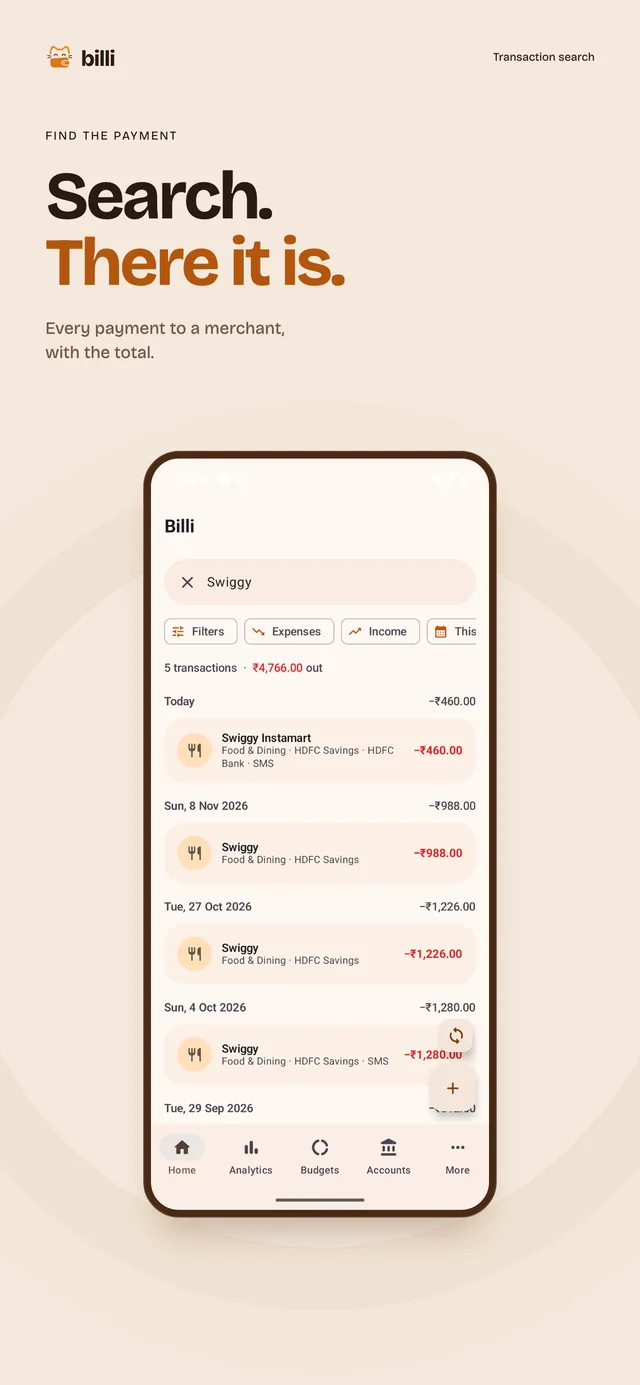
- Merchant search
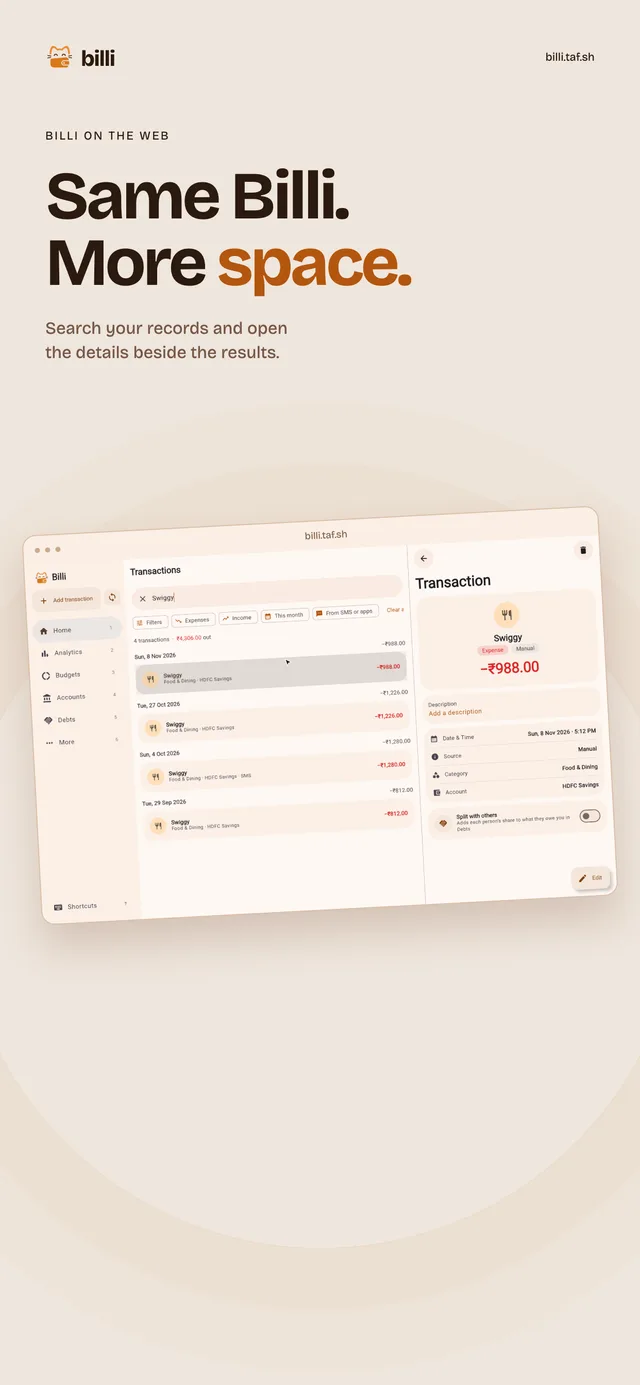
- Type a merchant and get every payment to it, with the total.
- Analytics
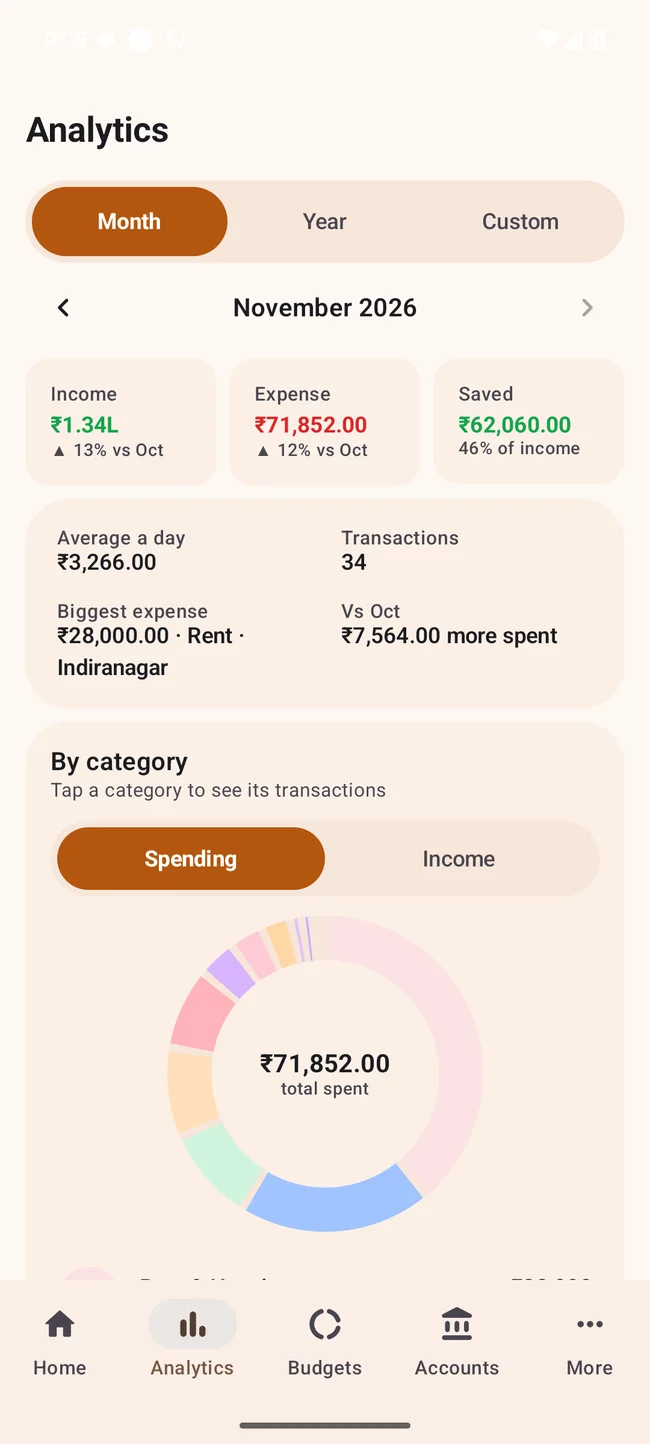
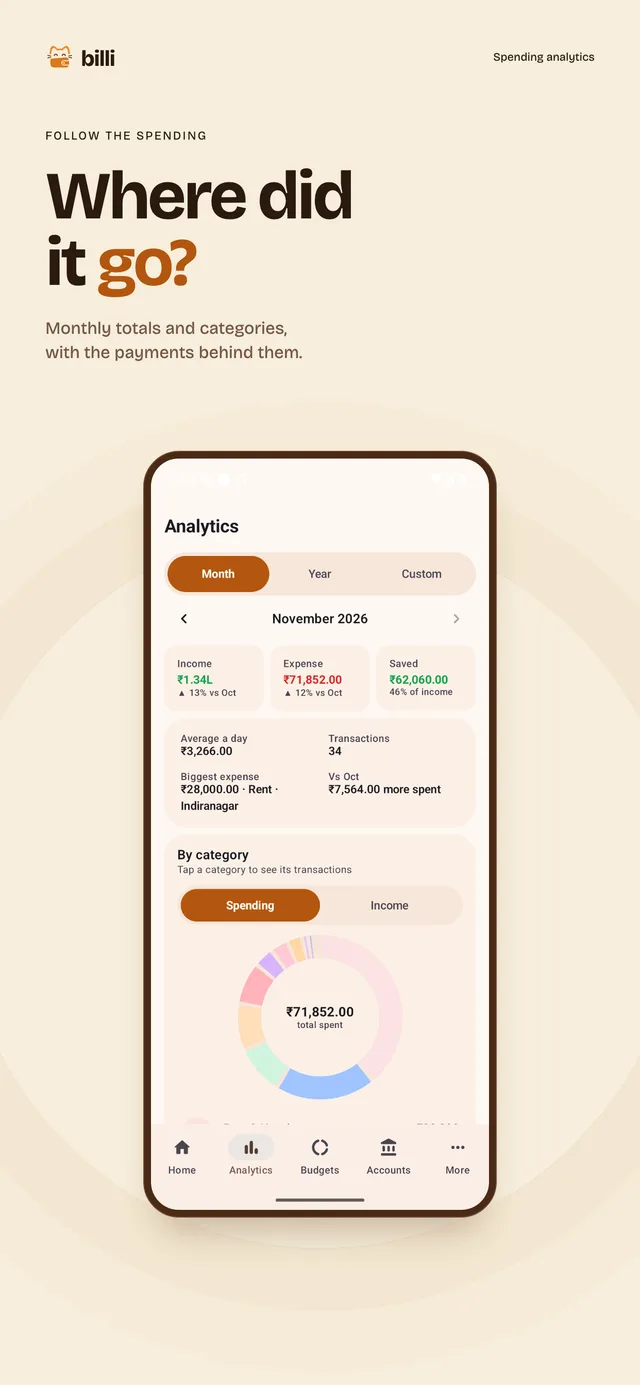
- Spending by category for a month or a range you pick.
- Budgets
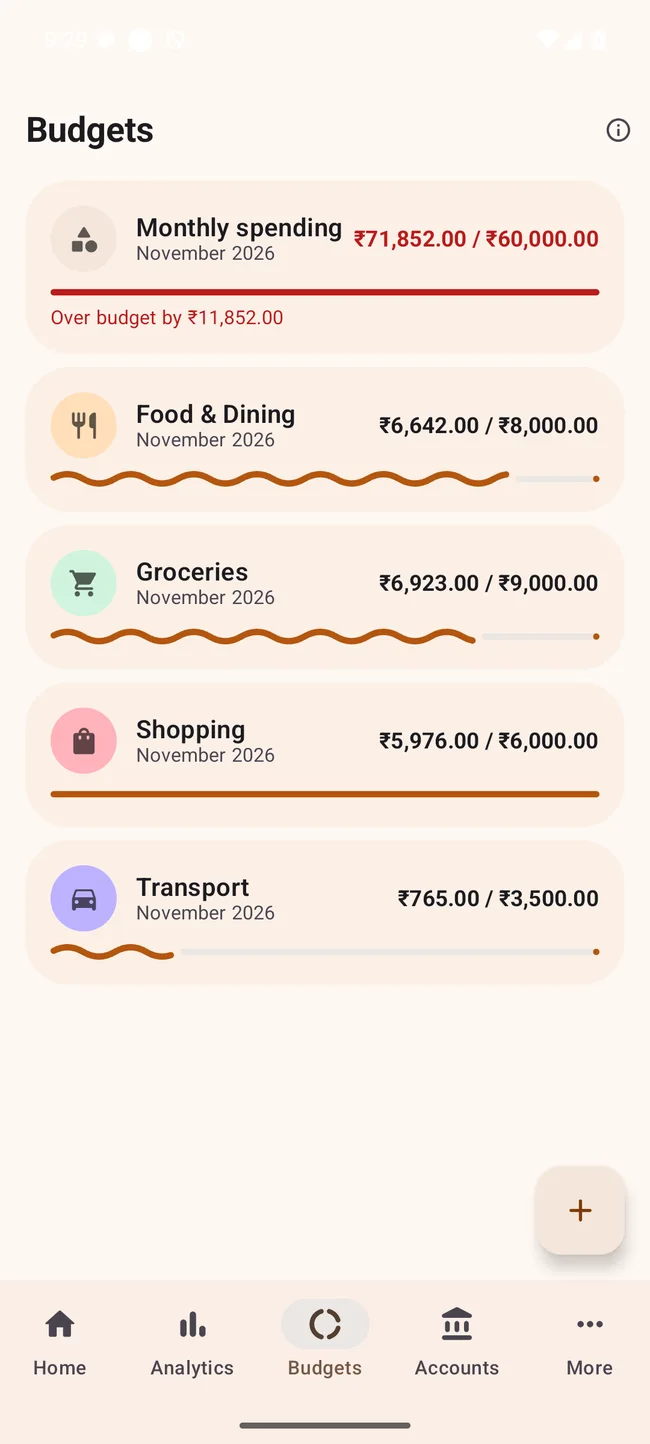
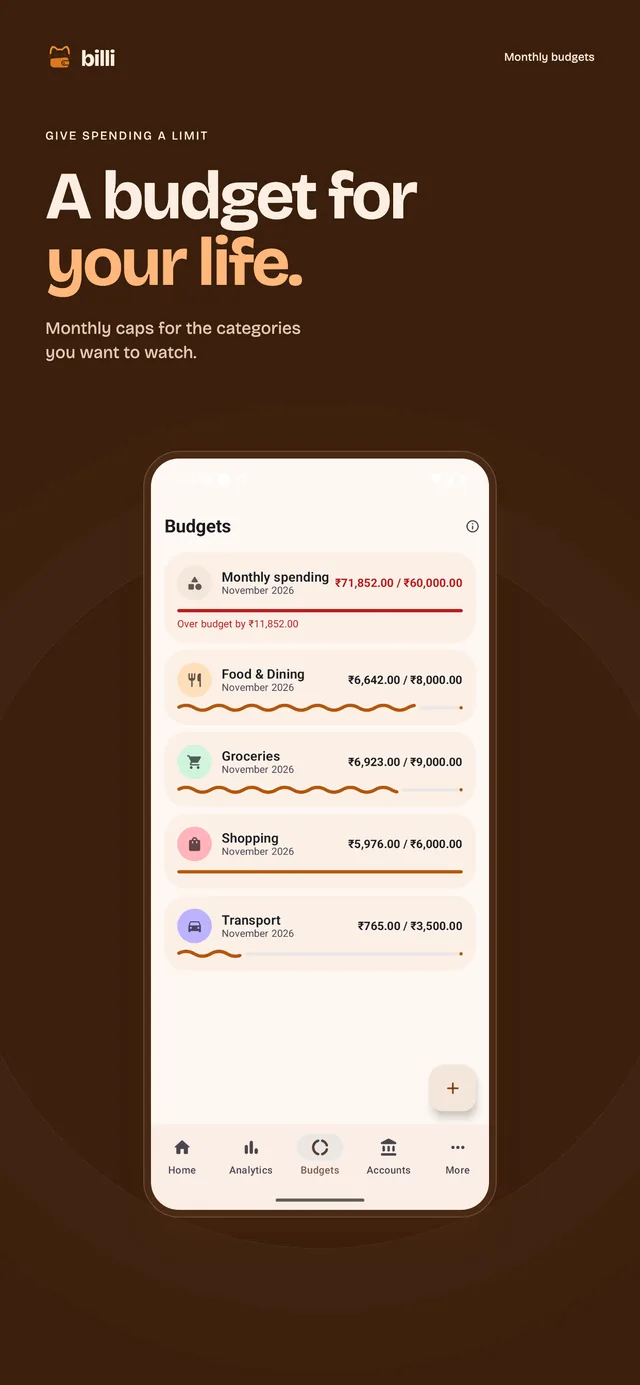
- A monthly cap per category, with progress beside each one.
- Accounts
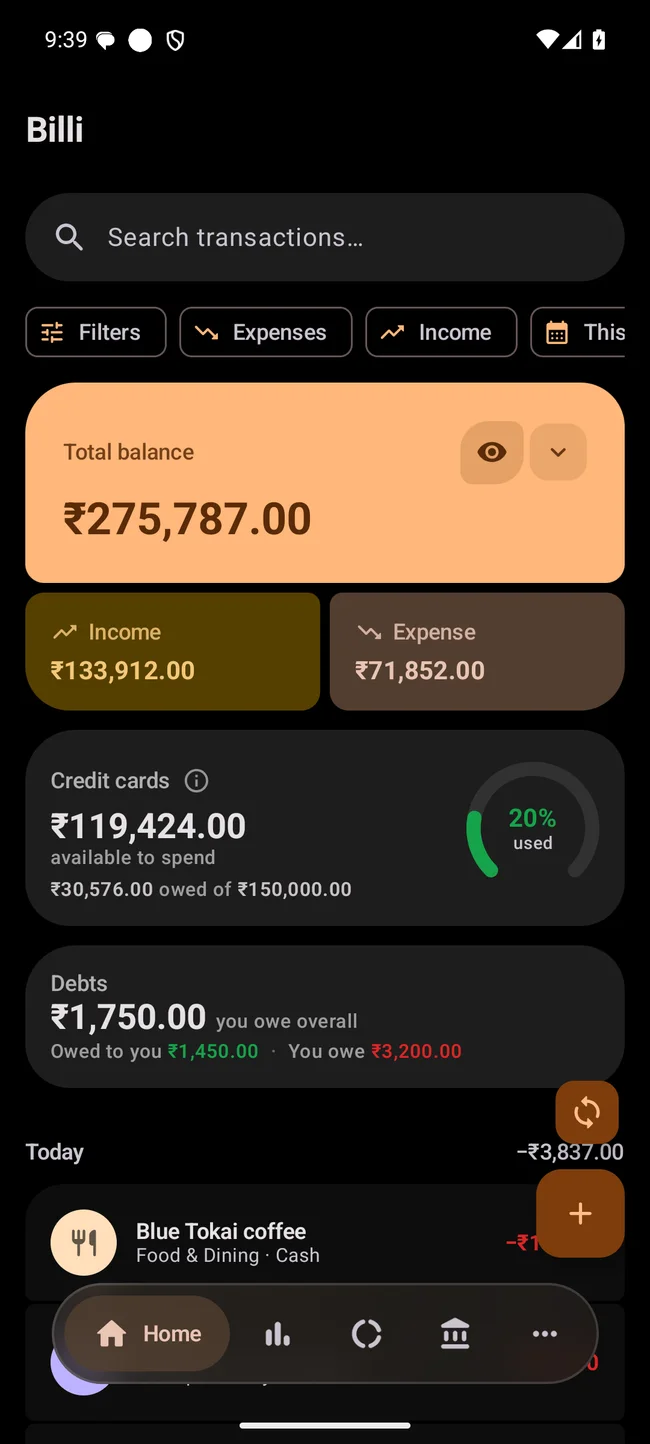
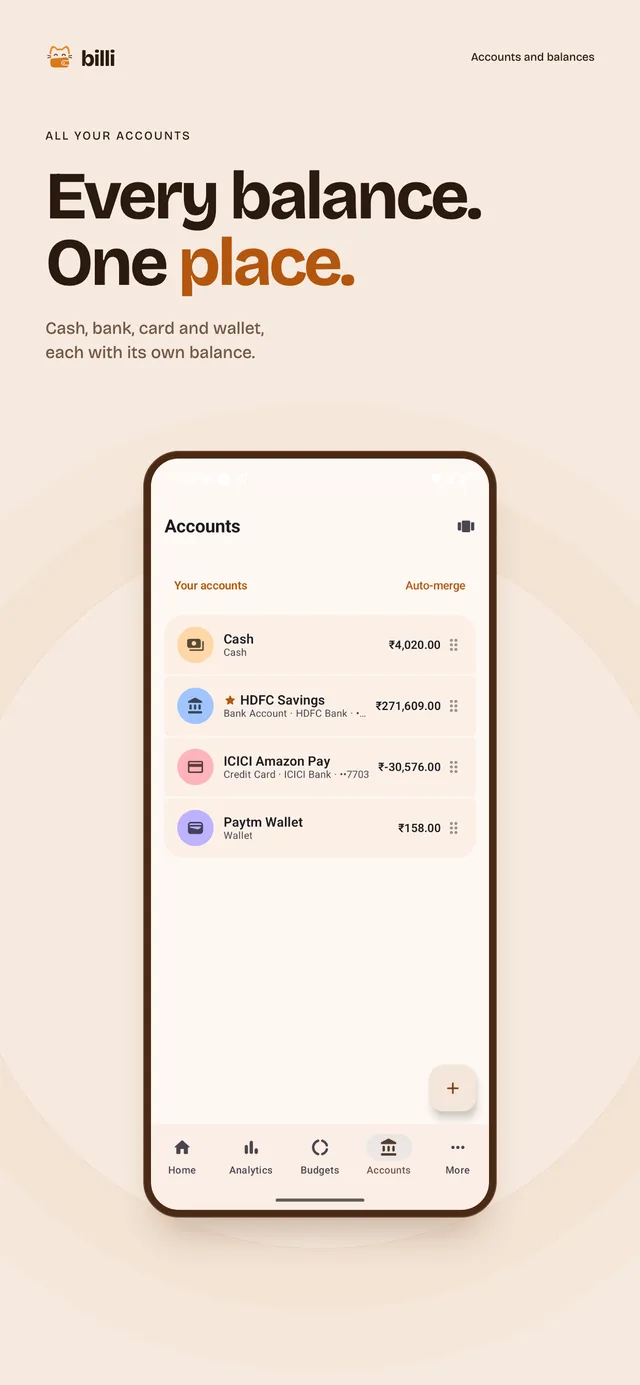
- Bank, cash, card and wallet balances, as cards or a list.
-
Make it yours
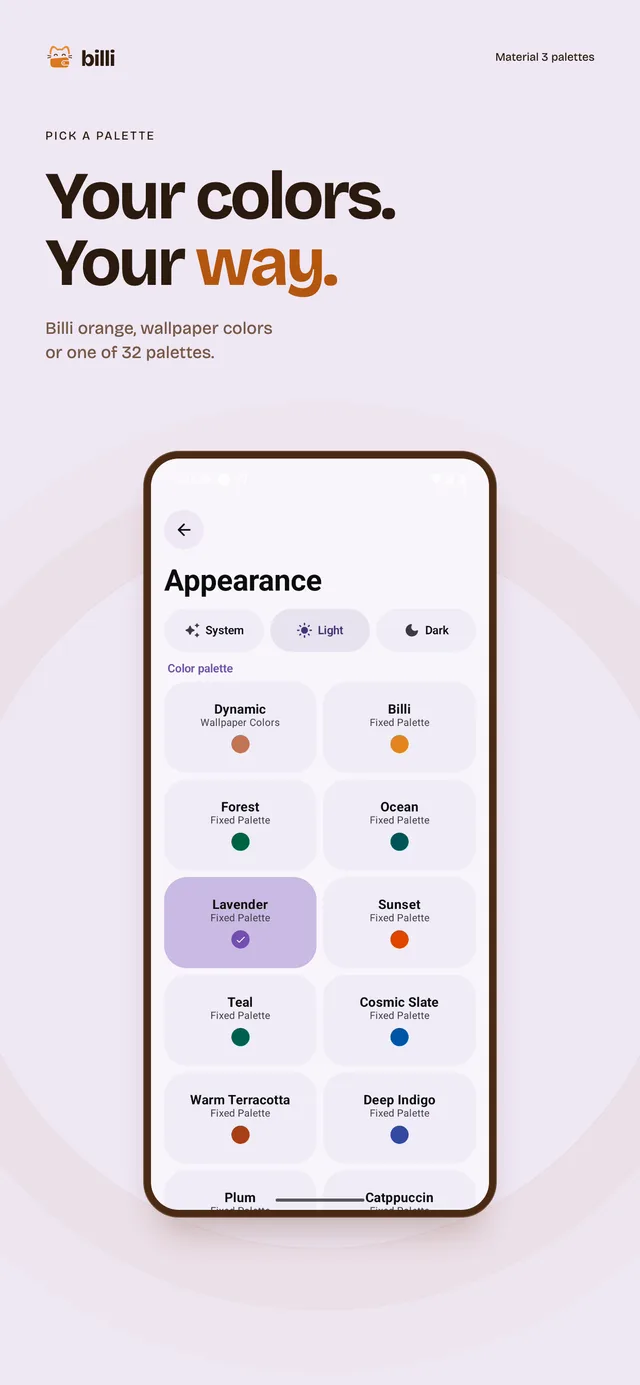
- Palettes
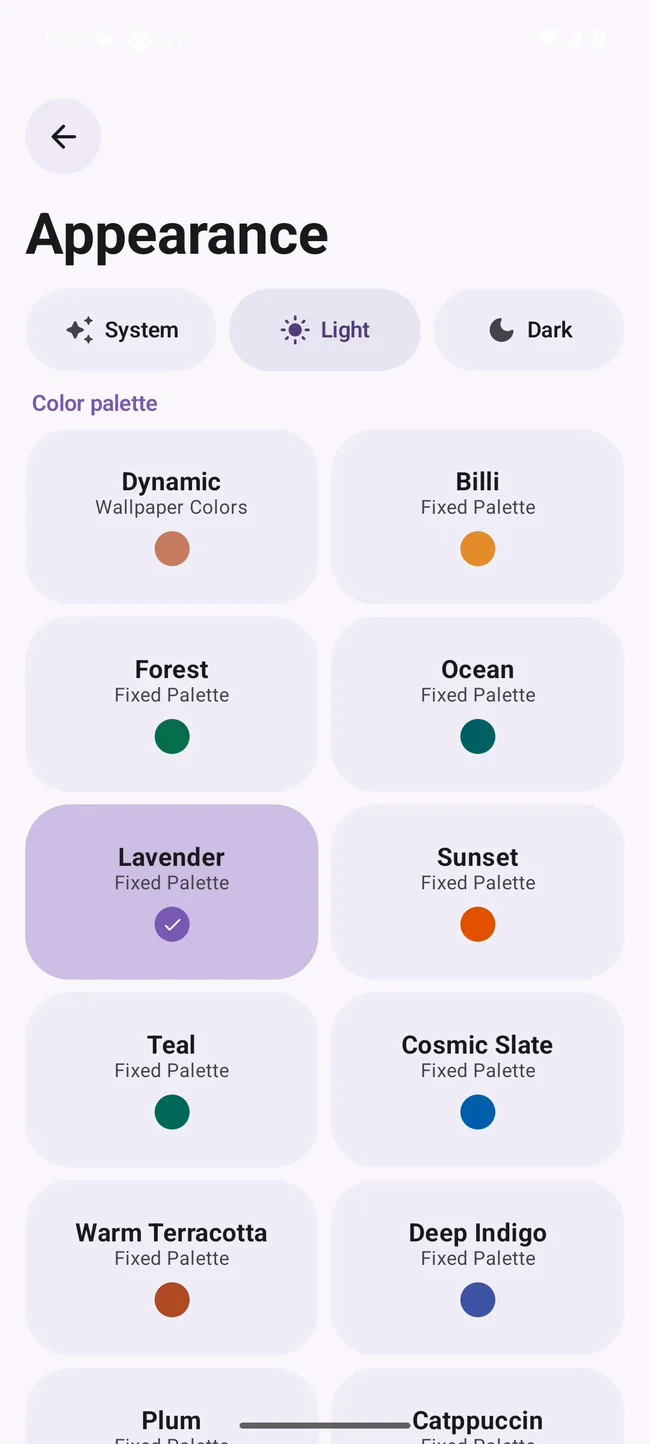
- Billi orange by default, wallpaper colours on Android 12 and up, or one of 32 fixed palettes.
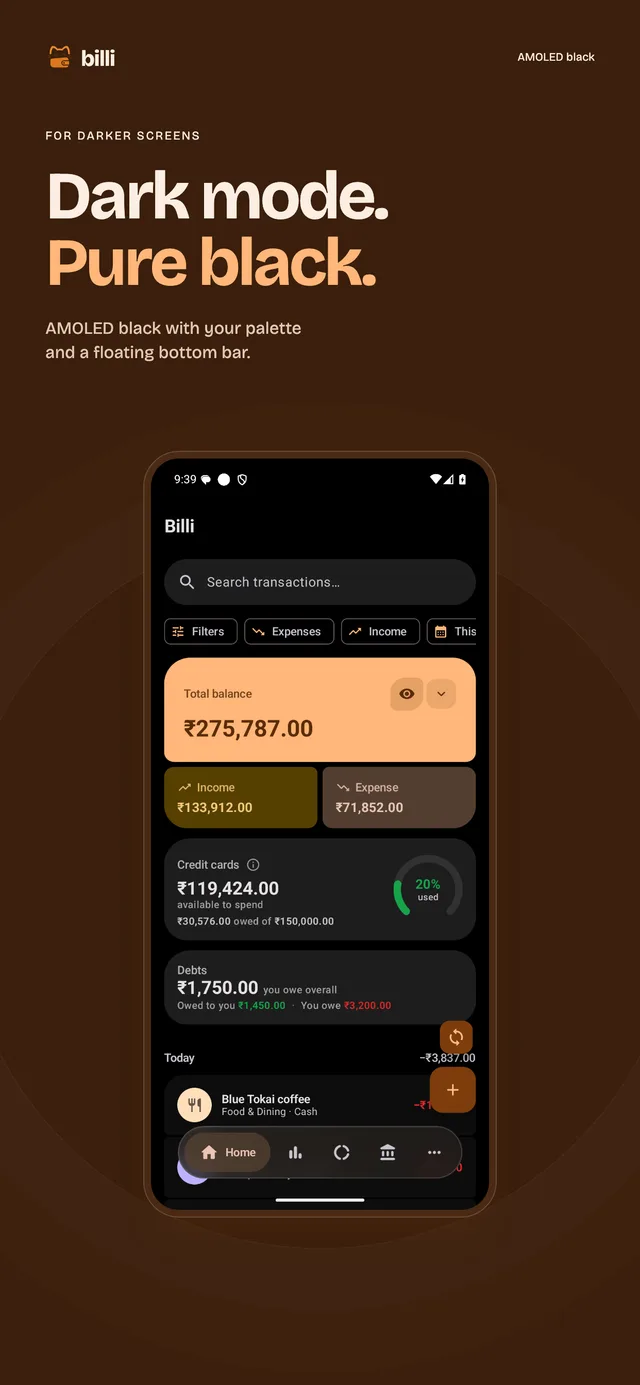
- AMOLED black
- Pure black surfaces in dark mode.
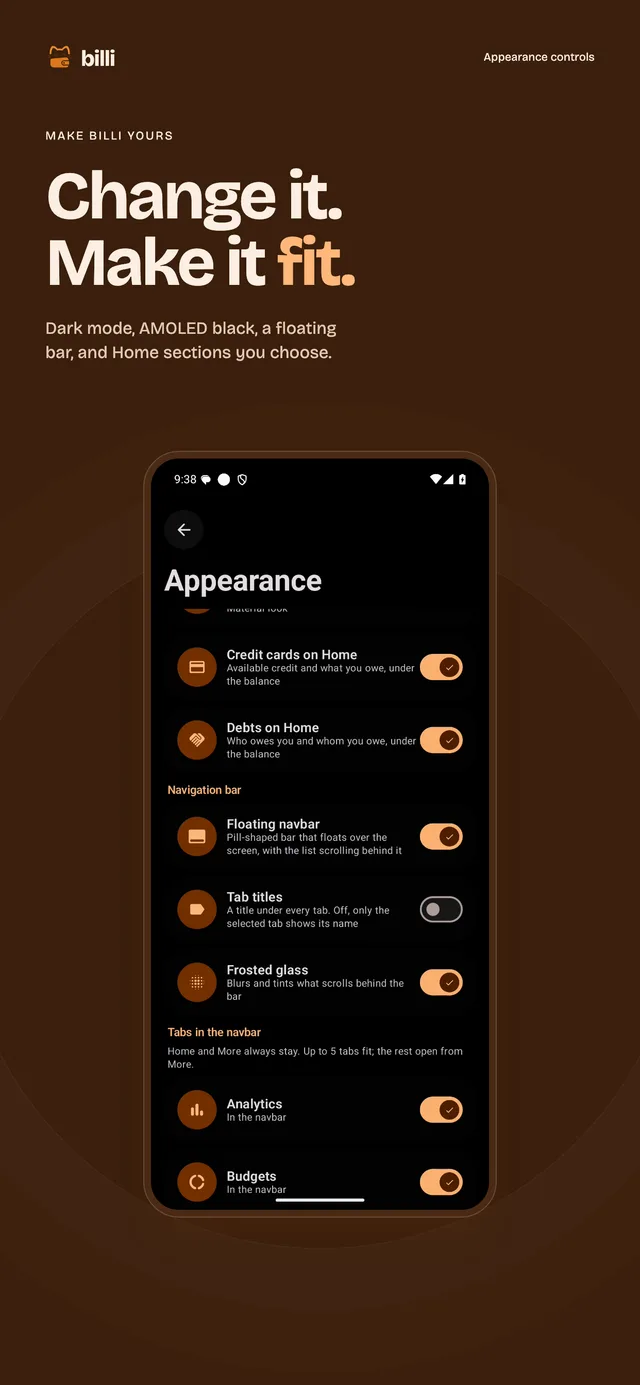
- Contrast, motion and navigation
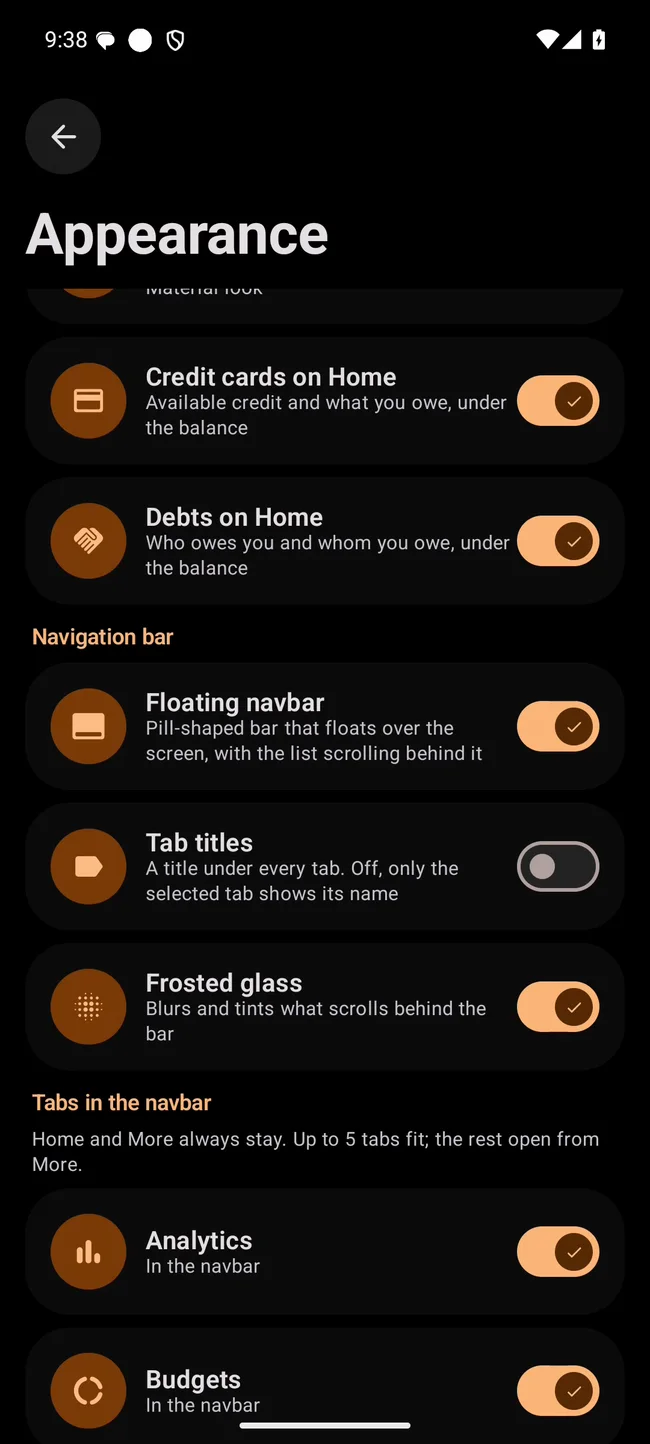
- Switch on high contrast, reduced motion or a floating navigation bar. You can also hide credit cards and debts from Home.
-
Keep it yours
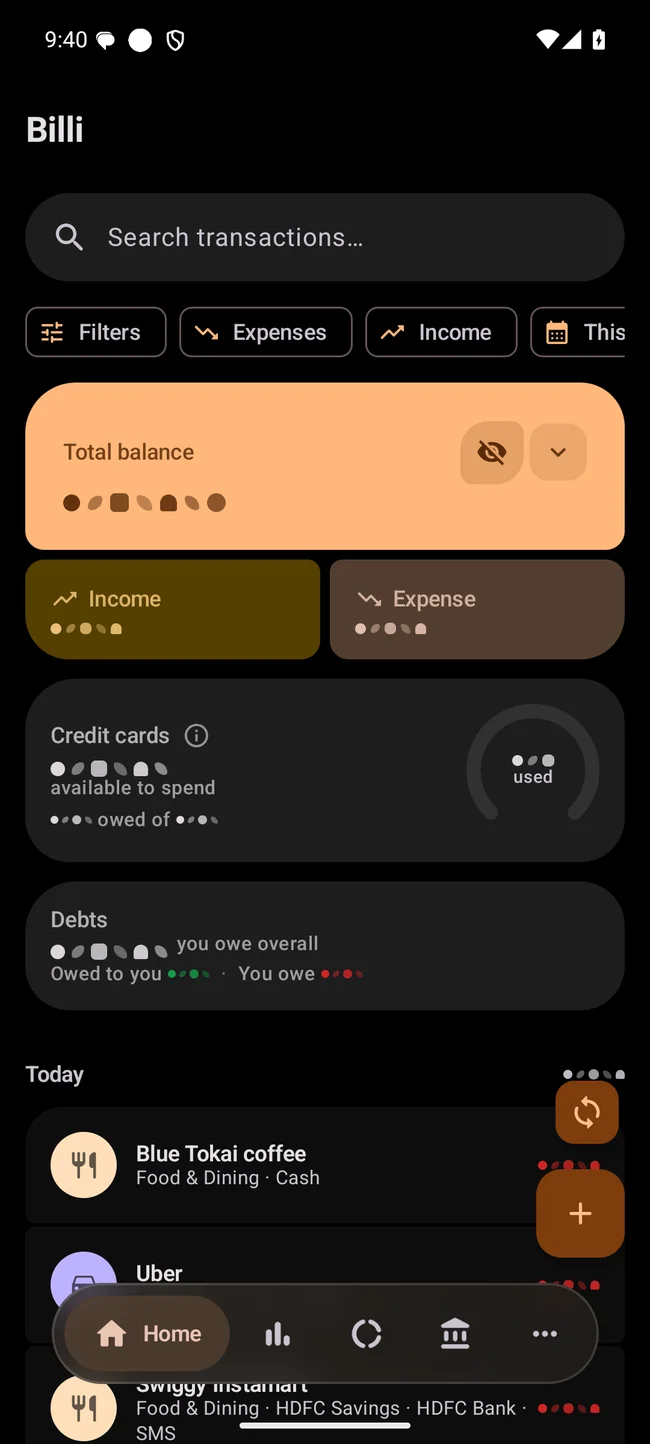
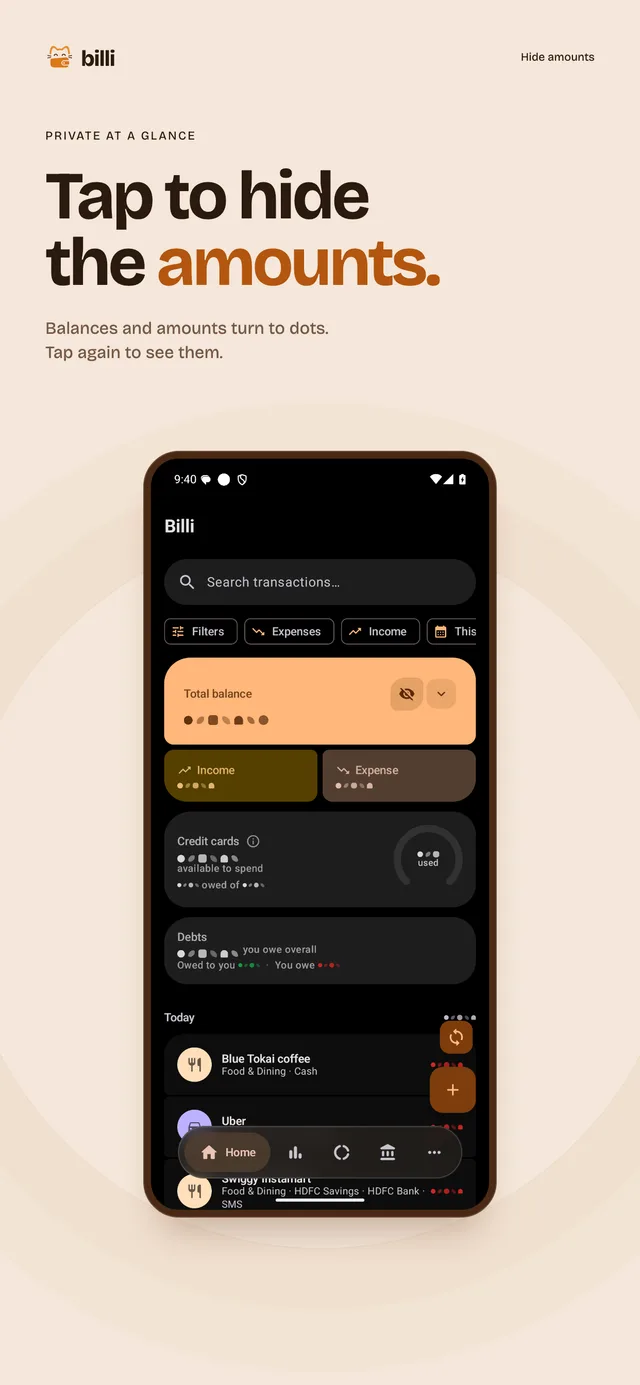
- Hide amounts
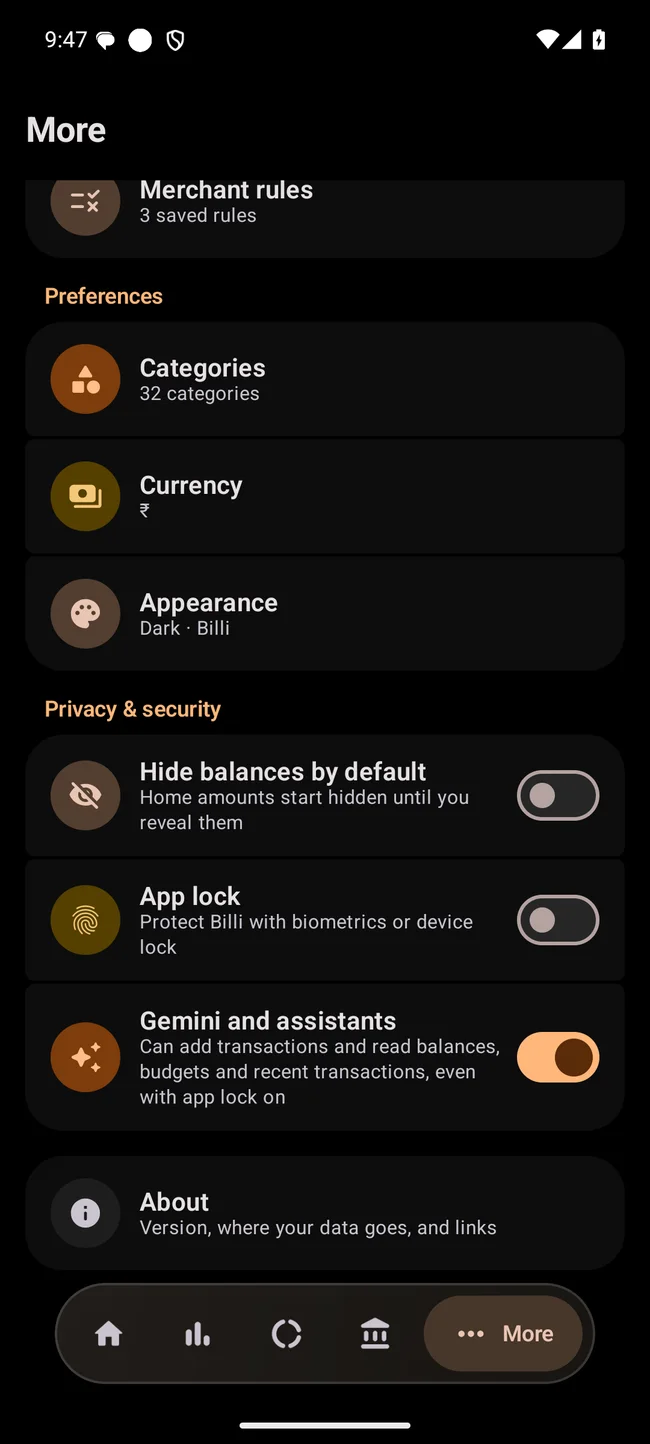
- One tap swaps every amount for dots.
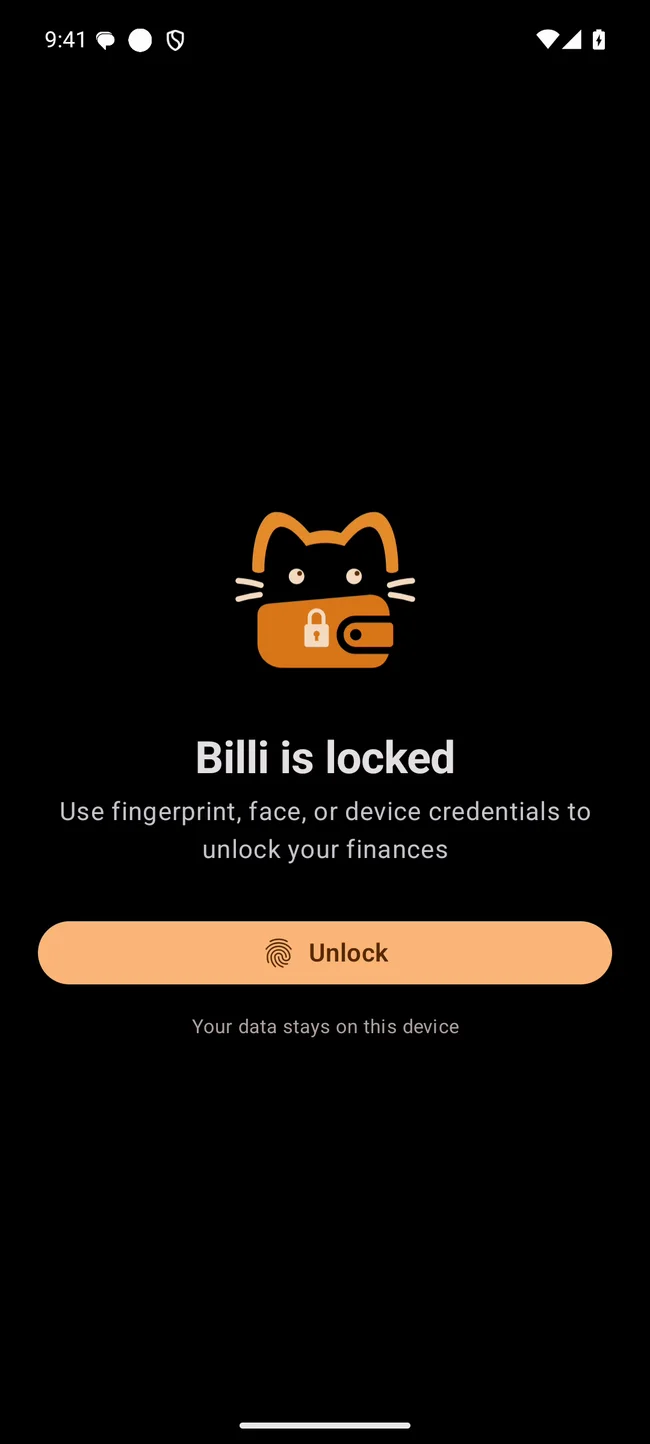
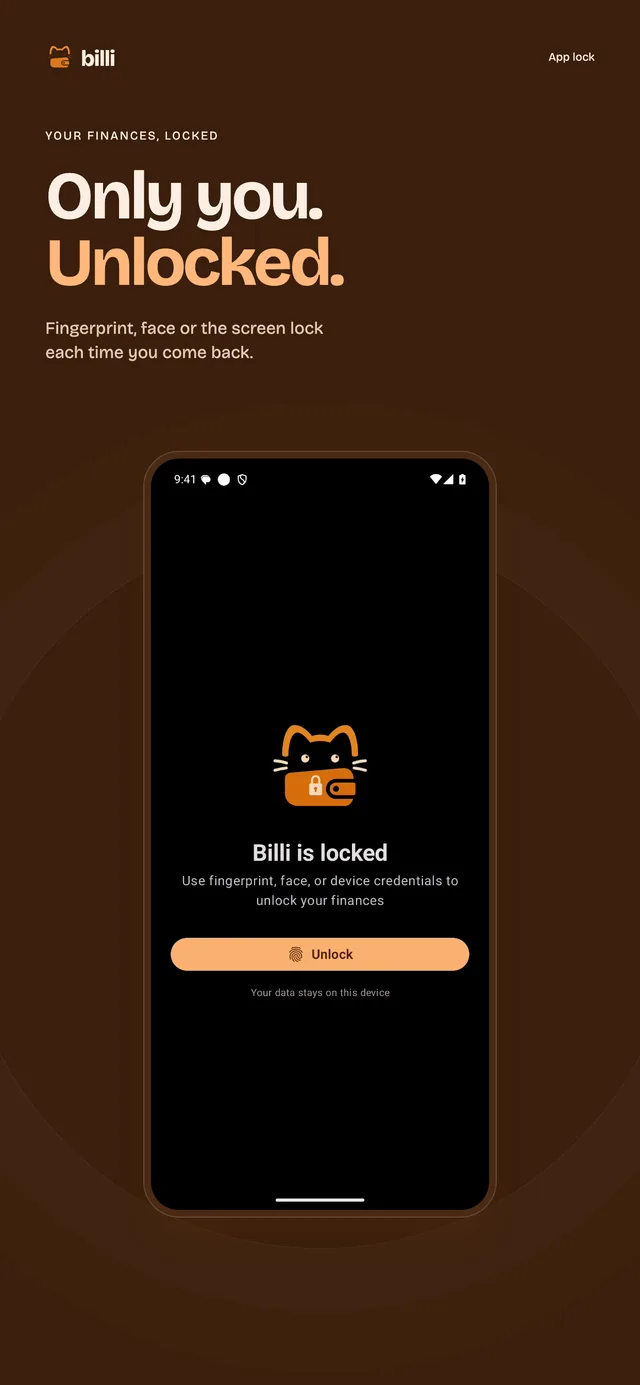
- App lock
- A fingerprint, your face or the screen lock, each time you come back.
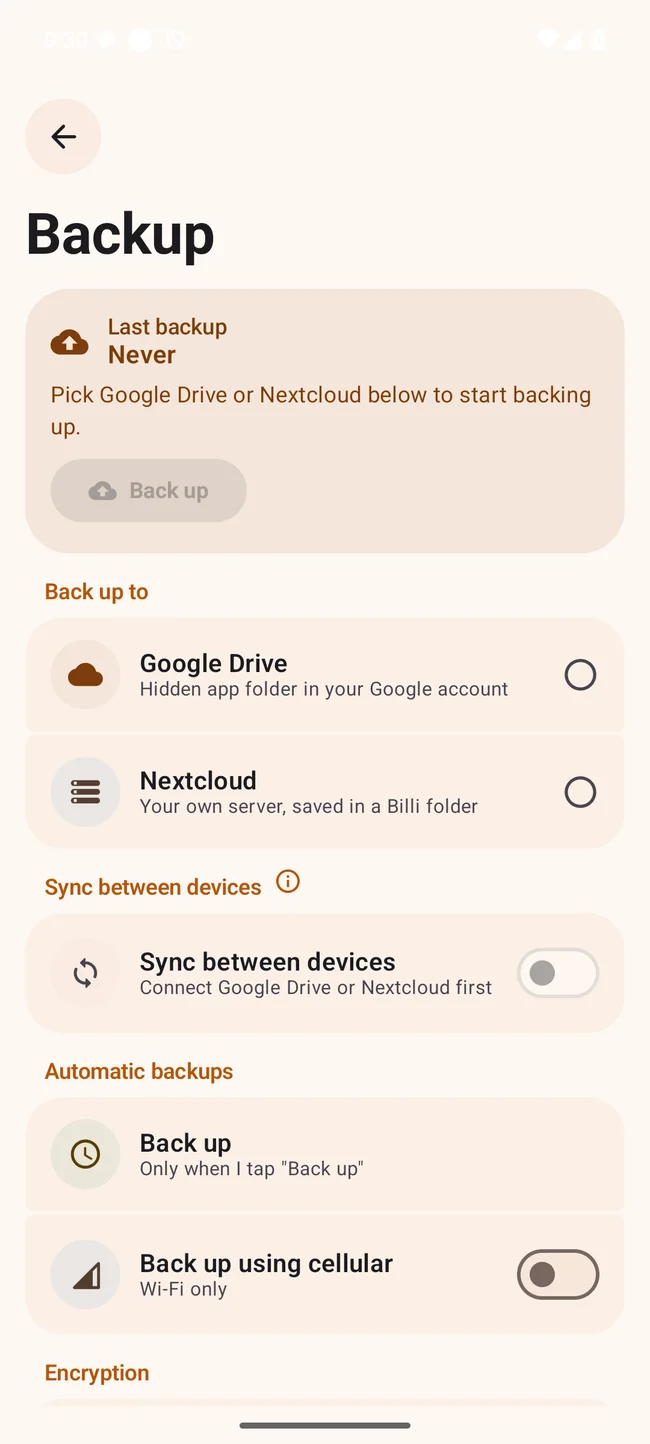
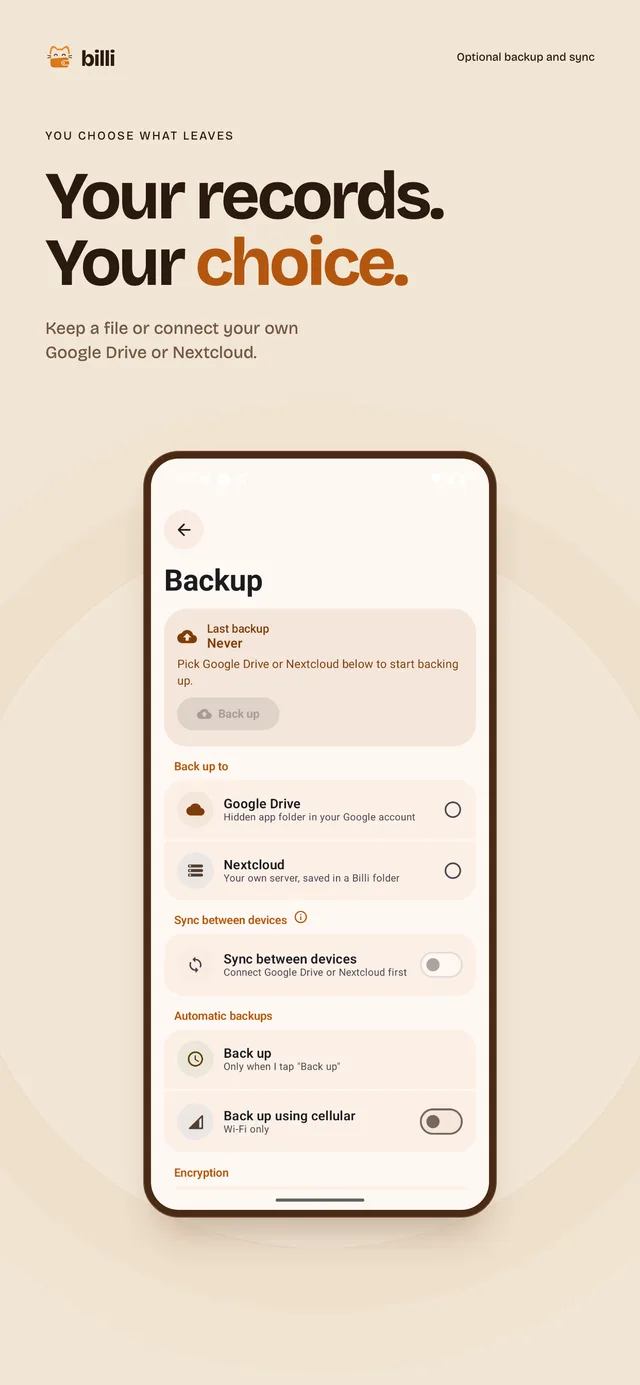
- Backup and sync
- Google Drive, Nextcloud or a .billi file, encrypted with AES-256-GCM when you set a password. The phone app and the browser can sync through the same backup destination.
-
Shortcuts and assistants
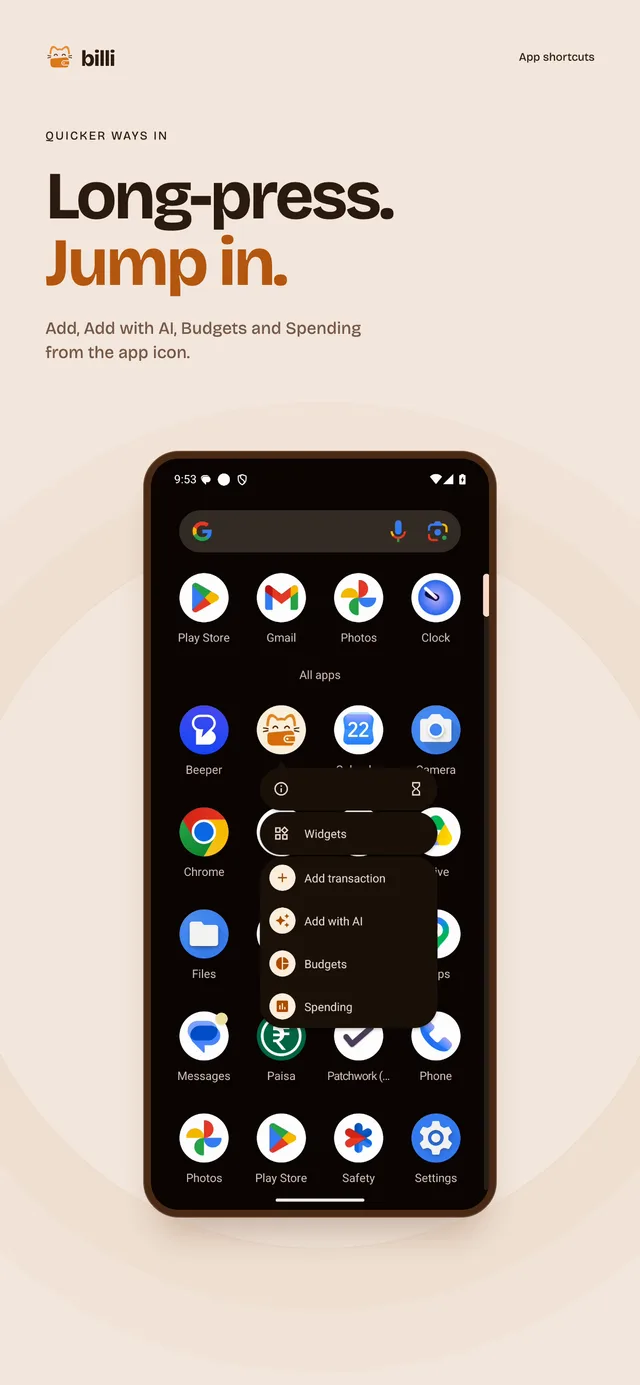
- App shortcuts
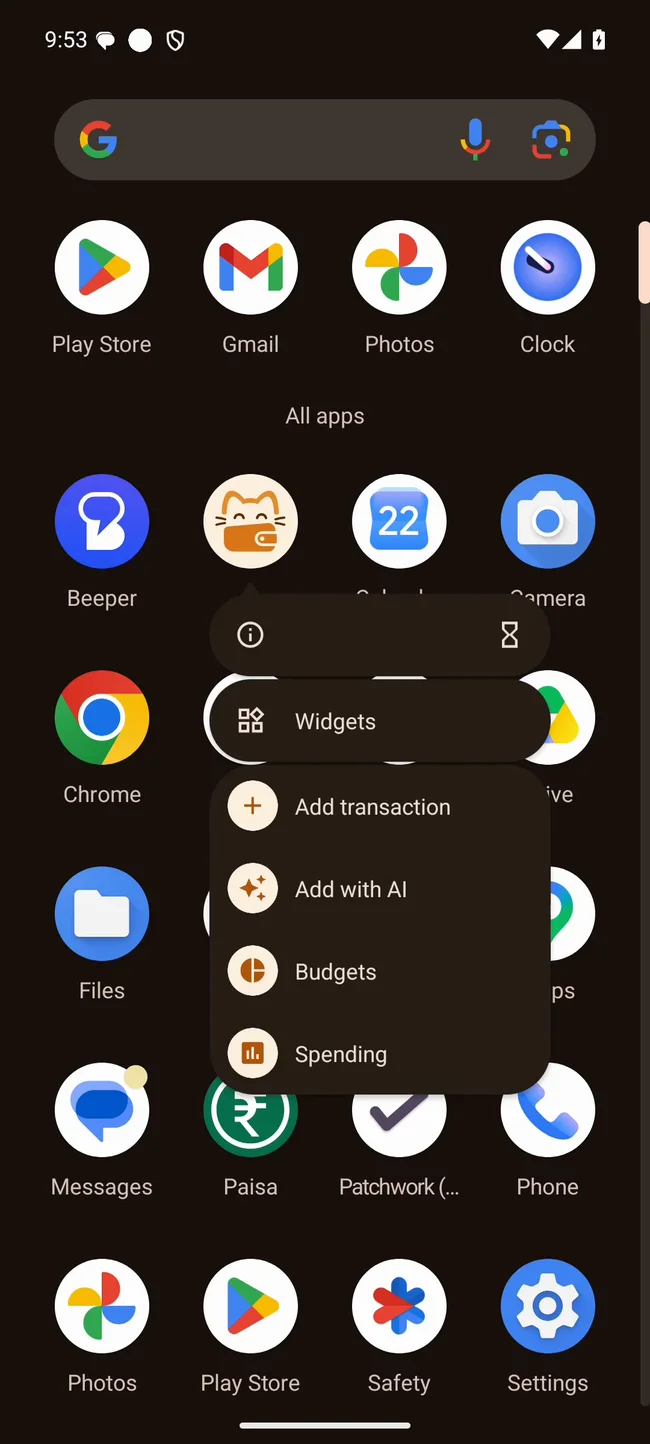
- Long-press the icon for Add transaction, Add with AI, Budgets and Spending.
- Actions for assistants
- On Android 16, AppFunctions lets supported assistants add a transaction and read balances, spending, budgets and recent transactions. Gemini cannot call Billi yet.
- Assistant access
- Turn off Gemini and assistants under Privacy & security to block calls to Billi.
How Billi handles your data
Stays on the phone
- Your SMS
- Billi reads and parses bank alerts on the phone.
- The ledger
- Room and SQLite, on the phone.
- On-device AI
- Gemini Nano runs notes and photos on the phone, where the phone has it.
- AI keys
- Billi stores them in EncryptedSharedPreferences.
Where Billi sends data on request
- A note, receipt or statement
- Billi sends it to the AI provider you set up when you ask it to read one.
- A backup
- To the Drive, Nextcloud or file you picked.
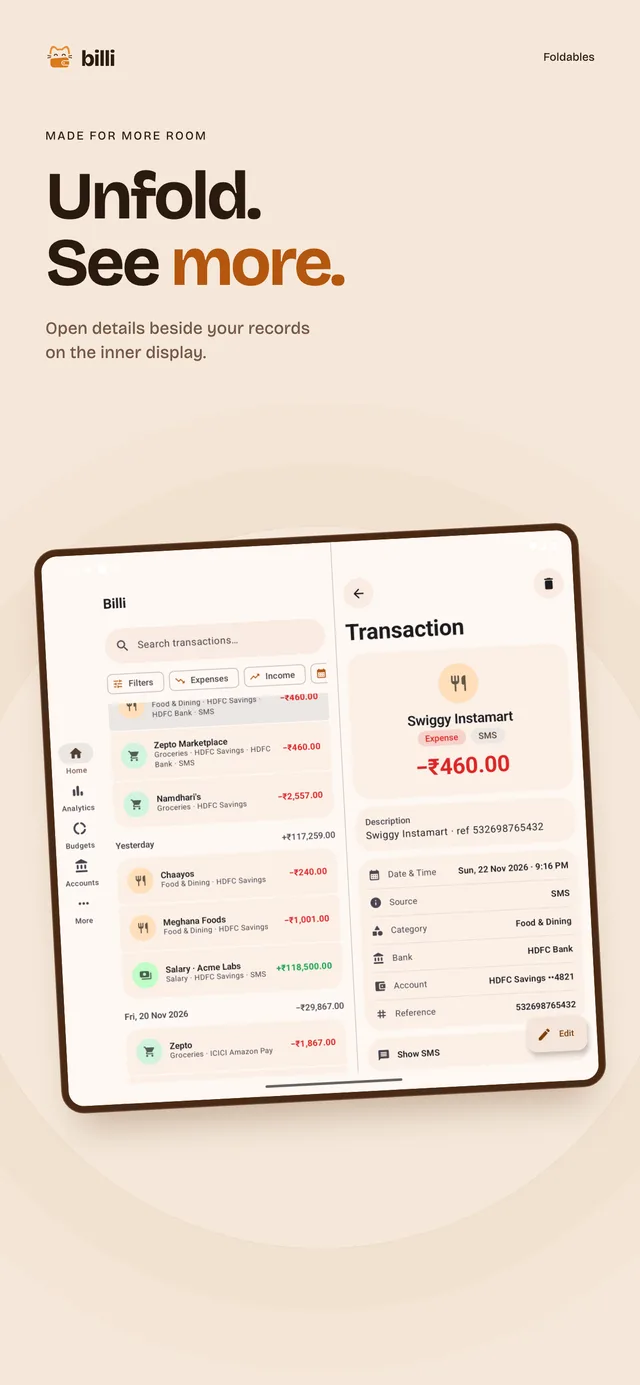
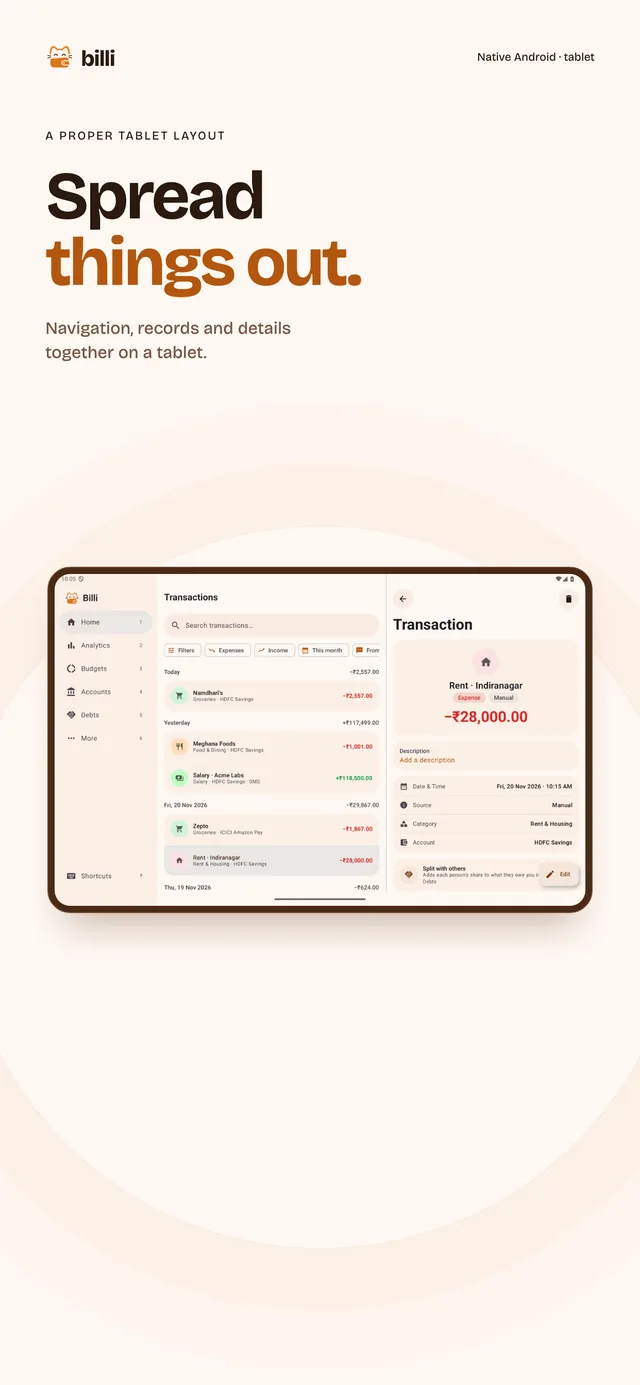
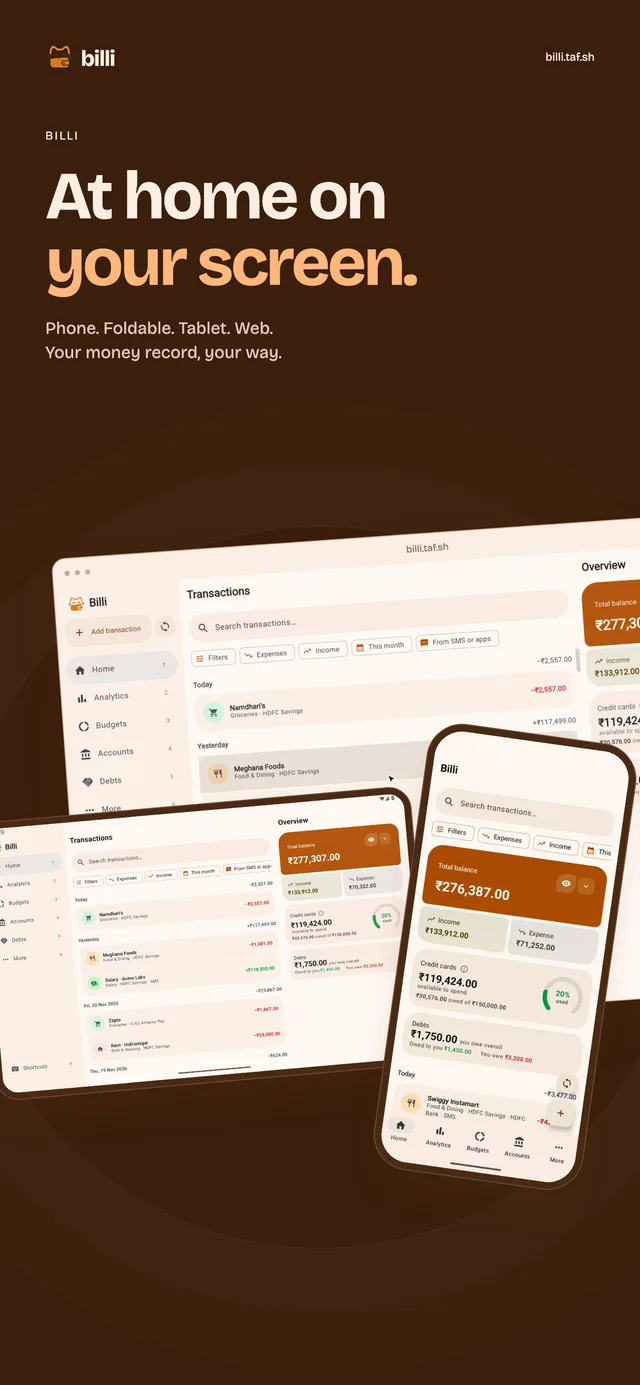
Billi on phone, foldable, tablet and web
The layout adapts to the size of the window.
More features
- Billi the cat
- A ginger cat who is also a wallet. It welcomes you, naps on empty lists, thinks while AI reads, and guards the lock screen.
- Statement import
- Import several PDF, CSV or image statements at once. Billi removes duplicates across files.
- Model fallbacks
- Choose a model for each provider and set the order Billi tries them in. Use your own API keys.
- Categories that learn
- Your merchant rules run first. Fix a merchant once and the fix sticks.
- Payment notifications
- Google Pay, PhonePe and bank app alerts become transactions, saved once even when the SMS arrives too.
- Split with others
- A split adds each person's share to what they owe you in Debts.
- Credit cards
- Available credit and what you owe, on the home screen, if you want it there.
- Export
- CSV for a spreadsheet, PDF for a person.
- Widgets
- Your balance and quick add on the home screen.
- Keyboard in the browser
- n adds, / searches, 1 to 6 switch tabs.
Twenty-one store screens
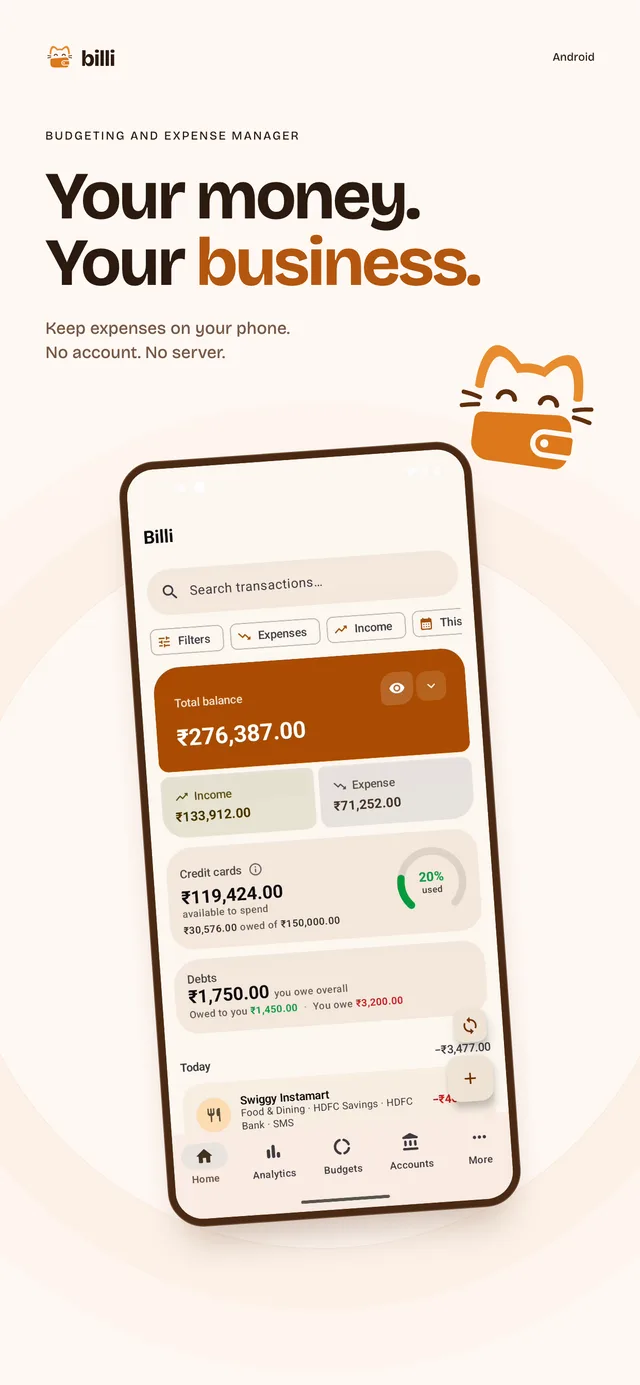
1 of 21
Before you install
Wasn't this called Paisa?
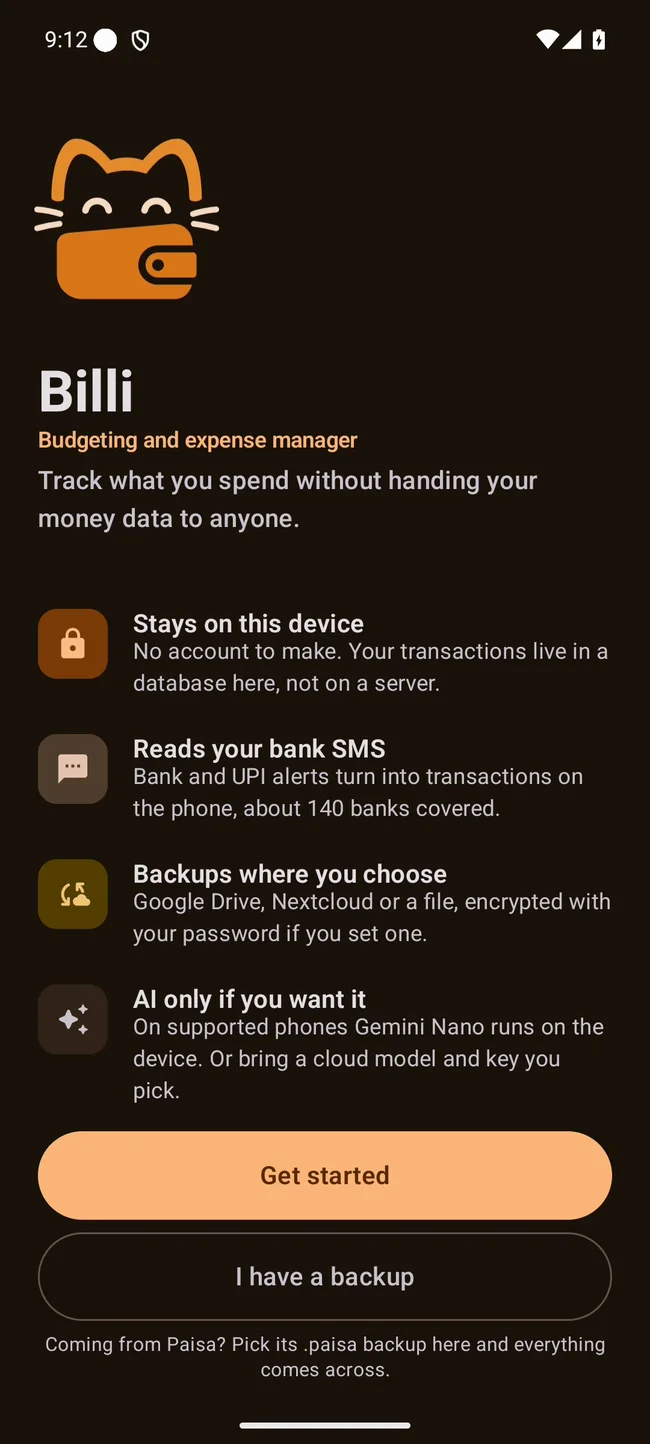
Yes. Billi 2.0.0 uses the package sh.taf.billi, so Android installs it alongside Paisa. Save a backup in Paisa, then pick it from I have a backup on Billi's first screen. Billi reads .paisa files and lists Paisa's old Drive and Nextcloud backups.
Do I need an account?
No. There is no sign up and no Billi server. Setup asks for a currency and a theme.
Which banks does SMS import cover?
About 140 Indian banks. The parsers come from PennyWise. Billi lists financial messages it could not parse under Unrecognized.
Is the AI required?
No. SMS parsing uses on-device parsers and no model. Add with AI and statement import stay off until you turn on Gemini Nano, on phones that have it, or add your own key for an OpenAI compatible endpoint, Gemini or Anthropic.
Can Gemini use Billi?
Gemini cannot call Billi yet because Google has not registered it as a connected app. Billi's Android 16 AppFunctions work with Android's test tool. You can turn these actions off under Privacy & security.
Is there an iPhone app?
Not yet. Billi runs on Android 7.0 and up, and in a recent Chrome, Edge, Firefox or Safari at billi.taf.sh. SMS import is available on Android.
What does it cost?
Nothing. Billi is free under AGPL-3.0, and the source is on GitHub.
Get Billi
- Android APK
-
Find the .sha256 checksum on GitHub releases.
Download APK - F-Droid
-
Add this repo under Settings, Repositories. Check the repo page for Billi release status. Setup steps
https://tashif.codes/fdroid/repo?fingerprint=568557c435bdf555725de95de596a90d6fa964d4bf0b71874f254cd0be7e94c9 - Browser
-
Nothing to install. Add
Open the web demo?demofor three months of sample data. - Google Play
-
Coming soon. The developer account is being set up.